

Meta Advertiser Field Notes
Wednesday observations from inside Meta ads
A mix of subtle language changes, a meaningful update to the Manus AI integration, a display bug that caused panic, and a few observations about how I’m evolving my own creative process. None of these require a full deep dive, but each one reflects something about where Meta is heading.
- Meta changed wording about how they use suggestions
- Manus AI Integration with Ads Manager
- “Conversion event blocked” message in Ads Manager
- Evolution of my process to stack creative diversity
- Move to “Ad” from “Sponsored”
- Advantage+ Creative Video Generation example
Let’s get to it…
1. Meta Changed Audience Suggestions Language
This is one of those changes that was easy to miss. It was so subtle that you may have noticed but didn’t think much about it. But language changes like this one aren’t accidental.
When Meta initially rolled out Advantage+ Audience in 2023, the concept of audience suggestions was new. Meta had already introduced audience expansion in prior years, but “suggestions” attempted to reposition what targeting inputs meant.
Pay close attention to how Meta defined how your suggestions were handled in those initial versions…

Meta said:
If you share an audience suggestion, we’ll prioritize audiences matching this profile before searching more widely.
A variation of this was also stated in Meta’s documentation about Advantage+ Audience…

In that explanation, Meta said that data like your prior conversions, pixel data, and prior interactions with your ads would be used to find your audience. But if you provided a suggestion, Meta “prioritizes audiences matching your suggestions, before searching more broadly.”
Well, that mention of “prioritizing” your suggestions seems to have disappeared. First, from Advantage+ Audience in the ad set…
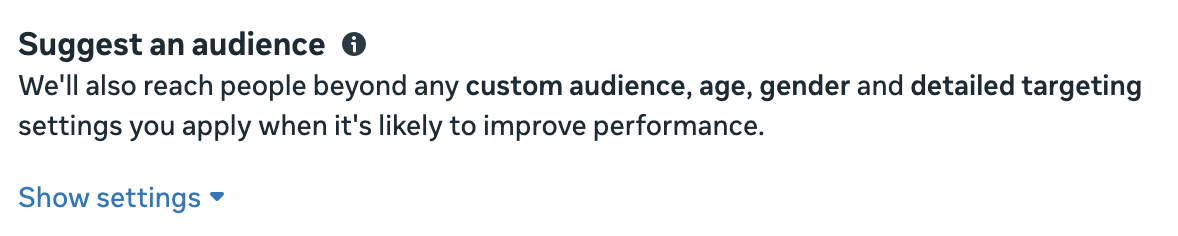
Under “Suggest an audience,” Meta says:
We’ll also reach people beyond any custom audience, age, gender and detailed targeting settings you apply when it’s likely to improve performance.
No mention of prioritizing suggestions. Also notice how Meta de-emphasizes suggestions now (no more button).
The mention of prioritizing your suggestions also disappeared from Meta’s documentation on Advantage+ Audience.

This is a very loose commitment to your suggestions…
We’ll show ads to people matching your suggestion, and other audiences when it’s likely to improve performance.
That could be one impression. It’s not particularly difficult to commit to showing ads to people matching your suggestion, even if it’s by accident. And it’s also impossible to prove in most cases.
You may think this language change is too subtle to be meaningful. My response is that Meta doesn’t make language changes unless there’s a reason.
Combined with the removal of the Audience Suggestions button, this language change is consistent with my belief that Meta could (and possibly should) eliminate suggestions entirely at some point. It’s clear that Meta doesn’t want you to think suggestions are all that important now.
2. Manus AI Integration with Ads Manager
Last week, advertisers started seeing mentions of Manus AI, Meta’s acquisition in late 2025, in Ads Manager. Based on my initial findings, this was little more than promotional links to Meta’s new AI agent. But whether I was just missing it or it happened since then, I am now seeing where the integration can happen.
First, a reminder. You can click the link to Manus AI in the Tools menu of Business Suite.
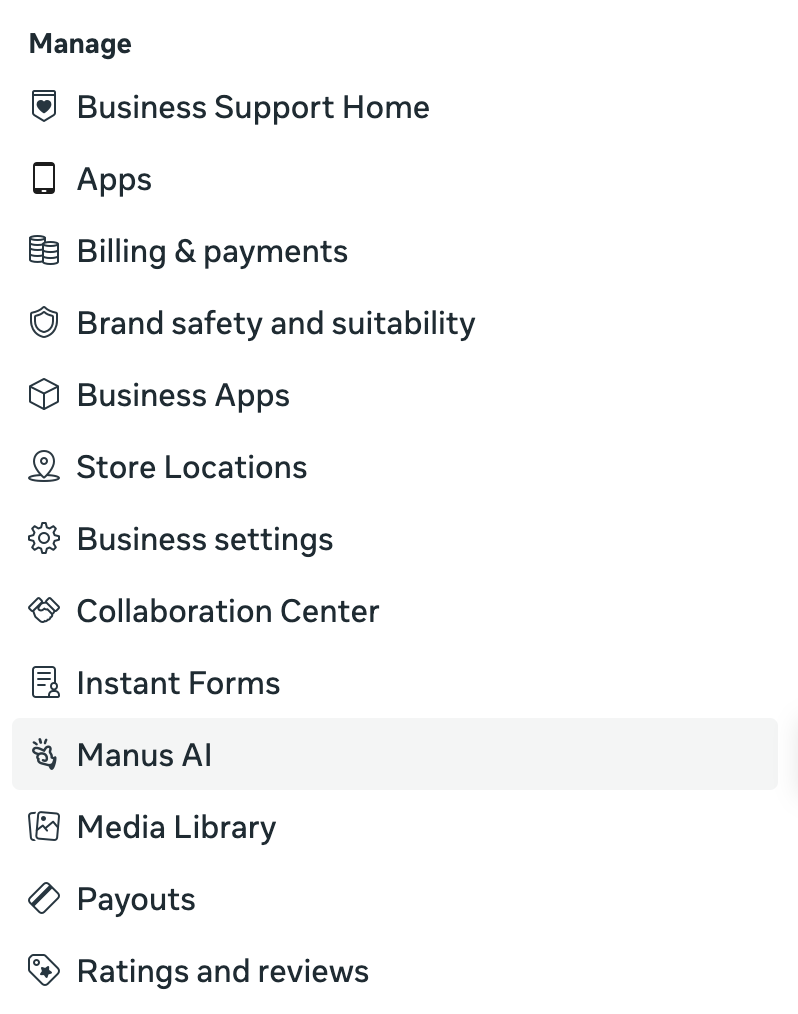
You’ll be redirected to the Manus AI interface, which looks similar to ChatGPT and Claude.
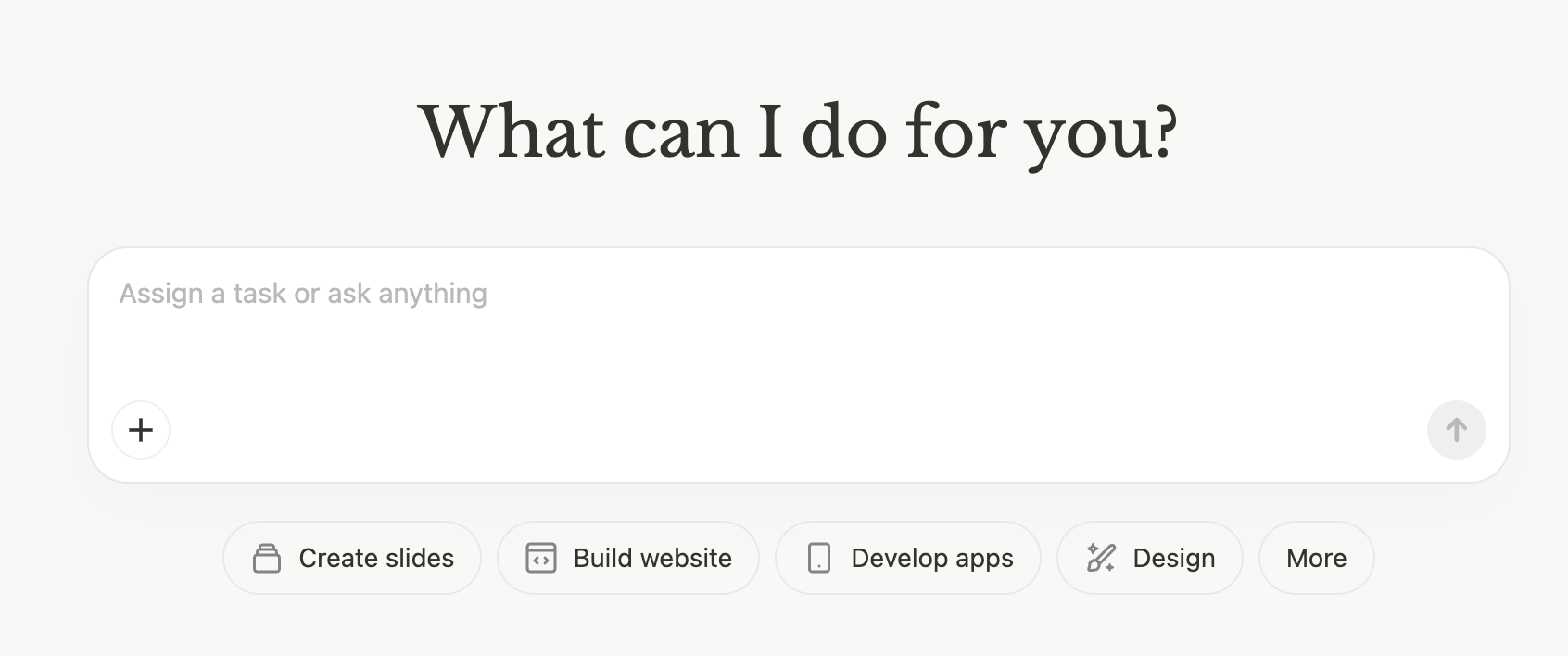
You may need to first create an account. While it initially appeared you’d need to sign up for a paid Manus subscription, that doesn’t seem to be necessary now. You’ll have limited credits if you use Manus 1.6 Lite, but you will be able to use it.
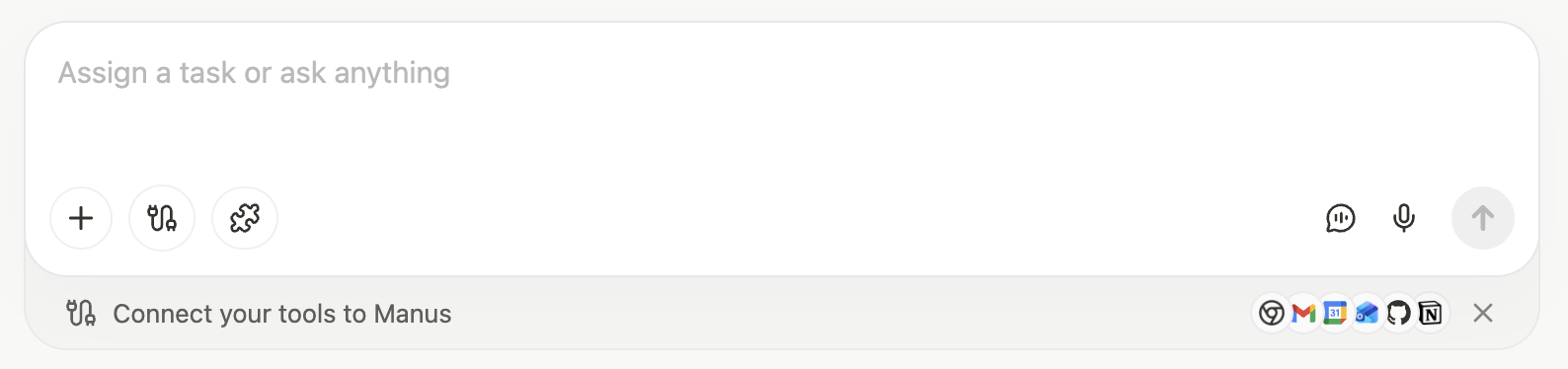
Then you’ll see a button to “Connect your tools to Manus.”
Right at the top, you should see a new connector for Meta Ads Manager.
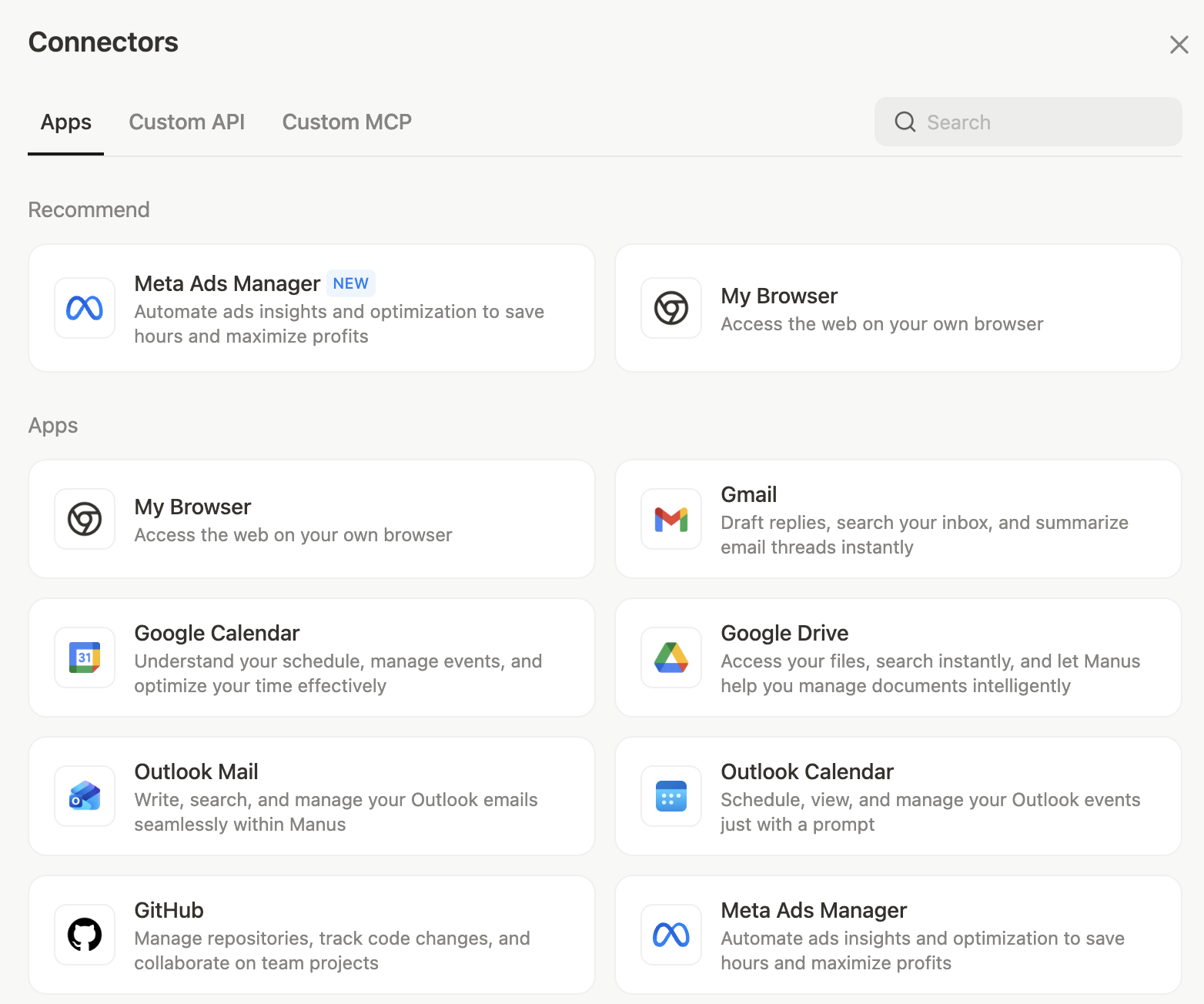
You’ll see this…
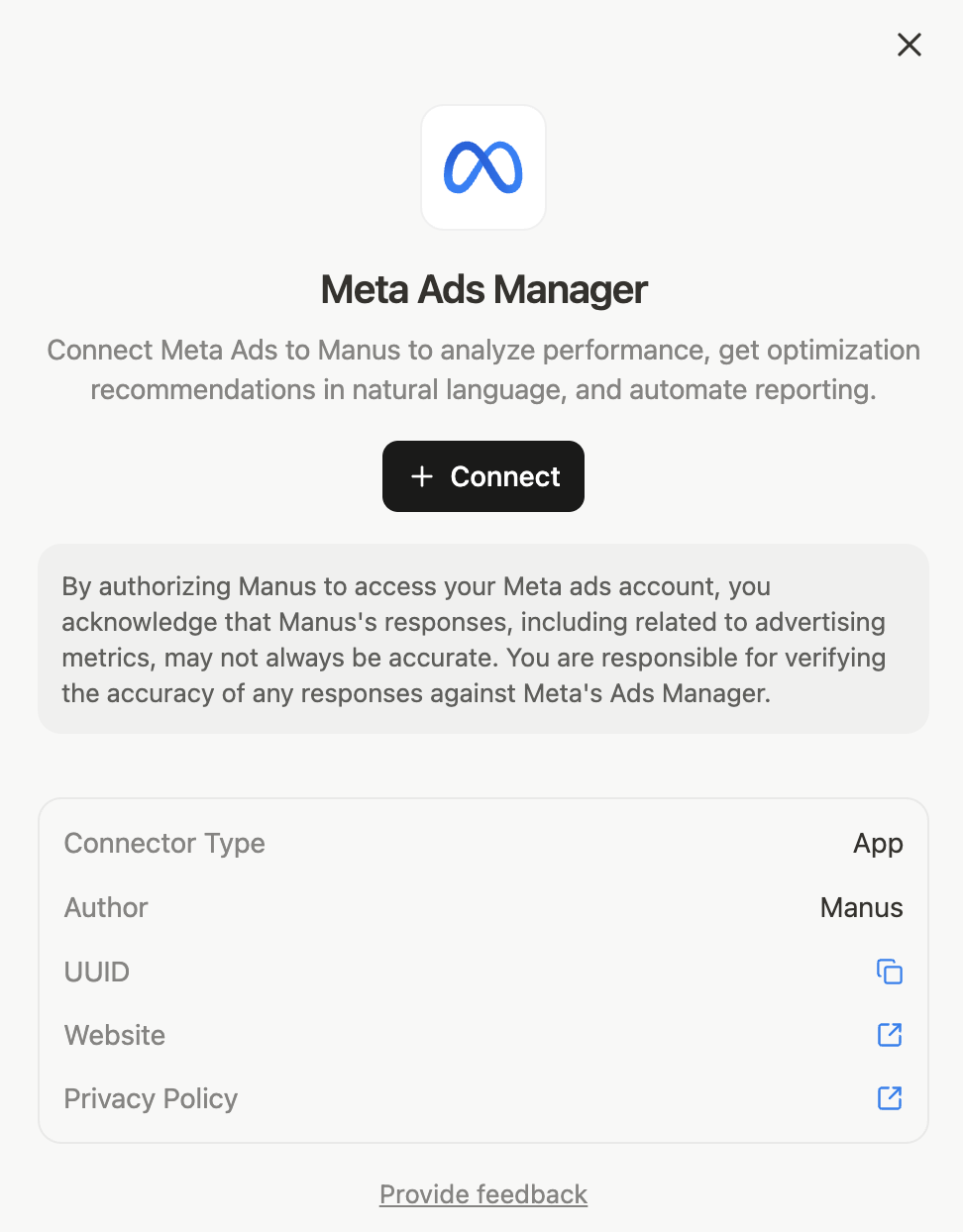
It reads that you can “Connect Meta Ads to Manus to analyze performance, get optimization recommendations in natural language, and automate reporting.” Click the button to “connect.”
Once connected, you’ll see this…
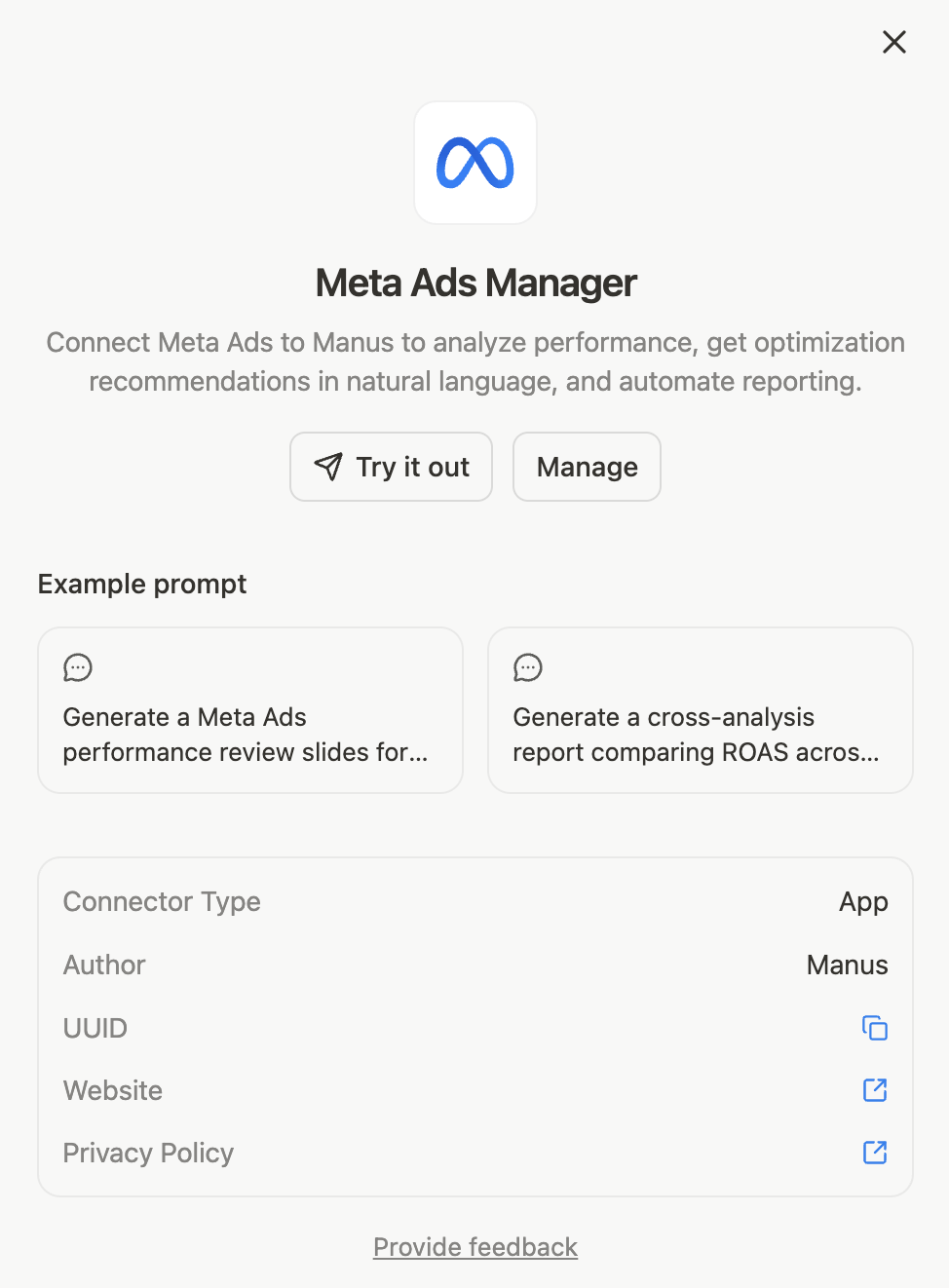
You can click one of the example prompts or “Try it out.” Then it will prefill a prompt to show you what is possible with this connection.
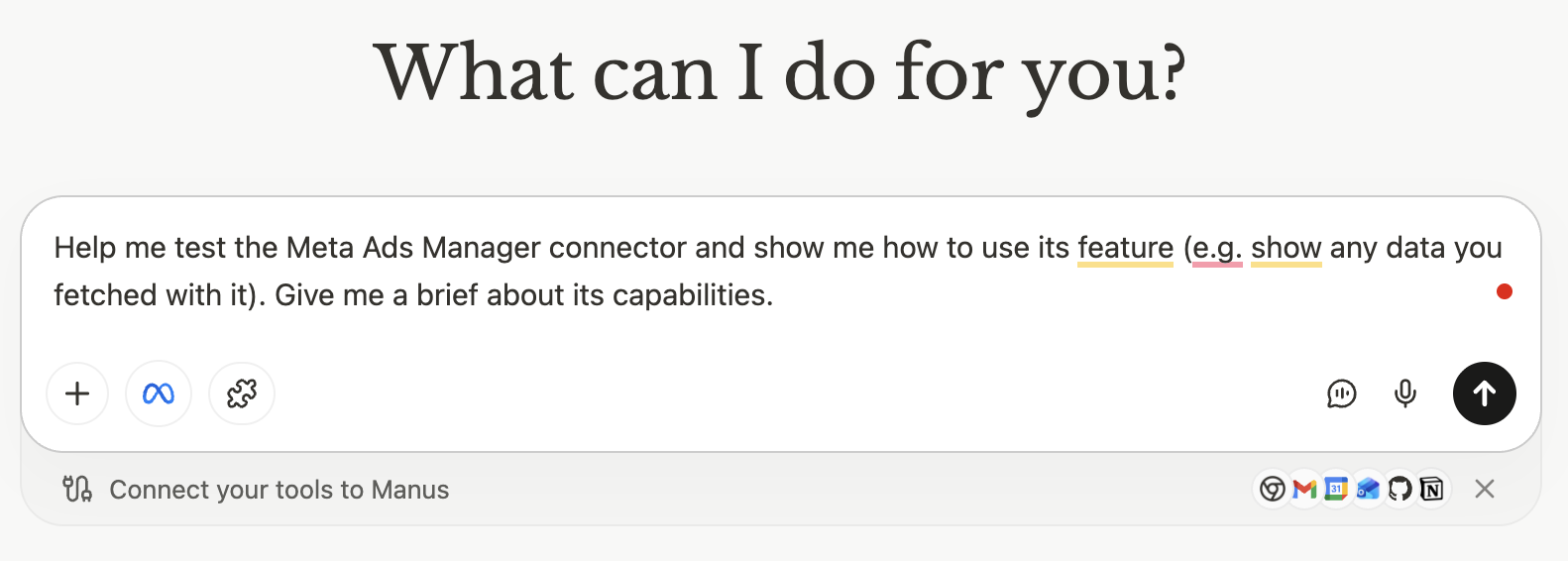
After selecting ad accounts, Manus generates a “Meta Ads Manager Connector Capabilities Brief.” Here are the primary capabilities…
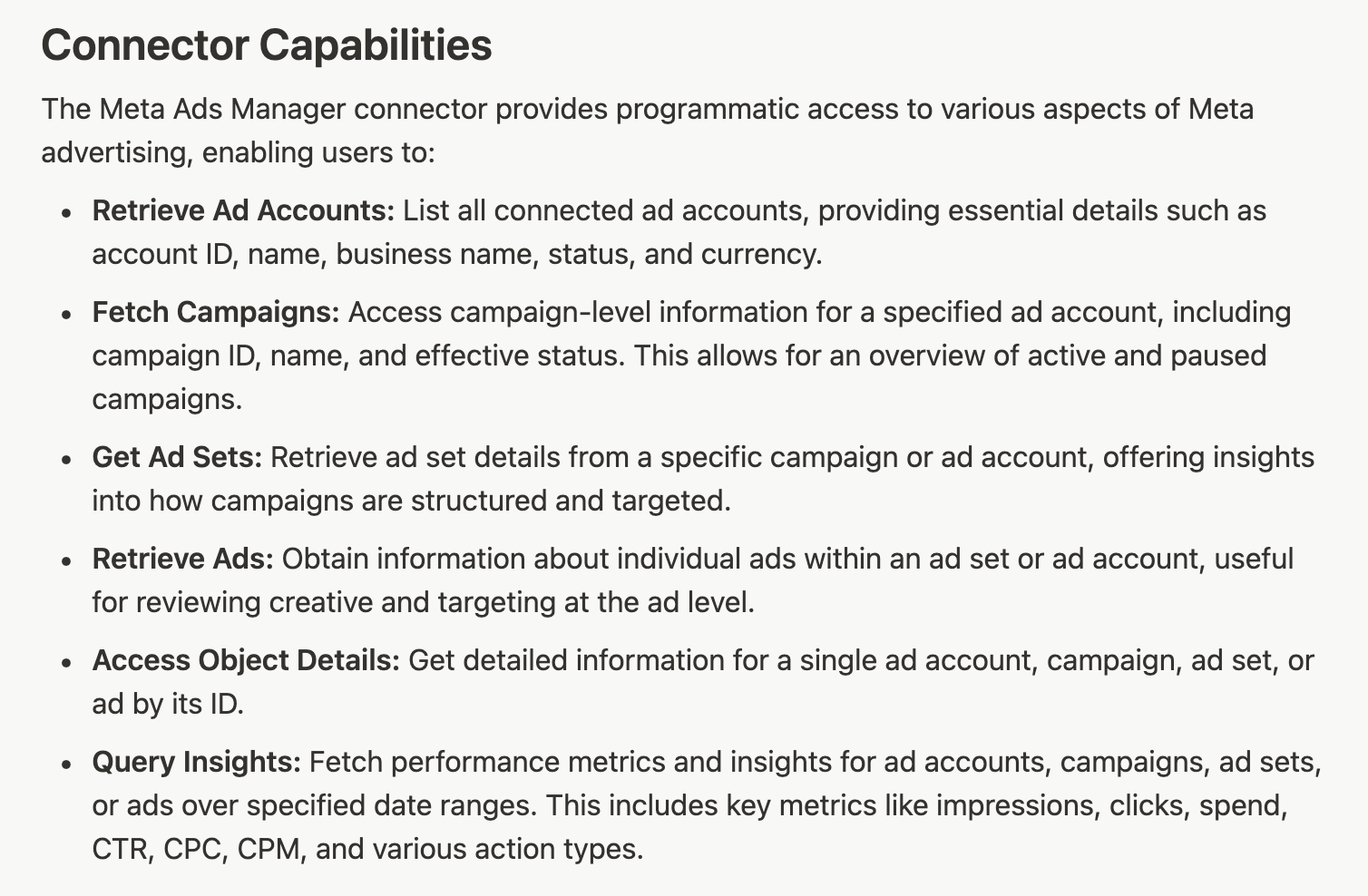
At the bottom is this message: “Great Meta Ads breakdown! Turn this into a live dashboard to monitor campaigns?” And a button to create a website.
That’s where this falls over my pay grade and I start to get nervous. I’ve built some dashboards during the past month using Claude Code, and this is similar. If you have expertise in that area, you may be more eager than I was to keep digging.
But you’ll be able to create custom dashboards of your advertising. Personally, I’d rather see Meta integrate something like this into Ads Manager than force us to build stuff ourselves (and run into extra costs). Still, there is promise here.
3. “Conversion Event Blocked” Message in Ads Manager
If you saw this “Conversion Event Blocked” message in Ads Manager recently like I did, you probably had a temporary panic attack. Or maybe that was just me.
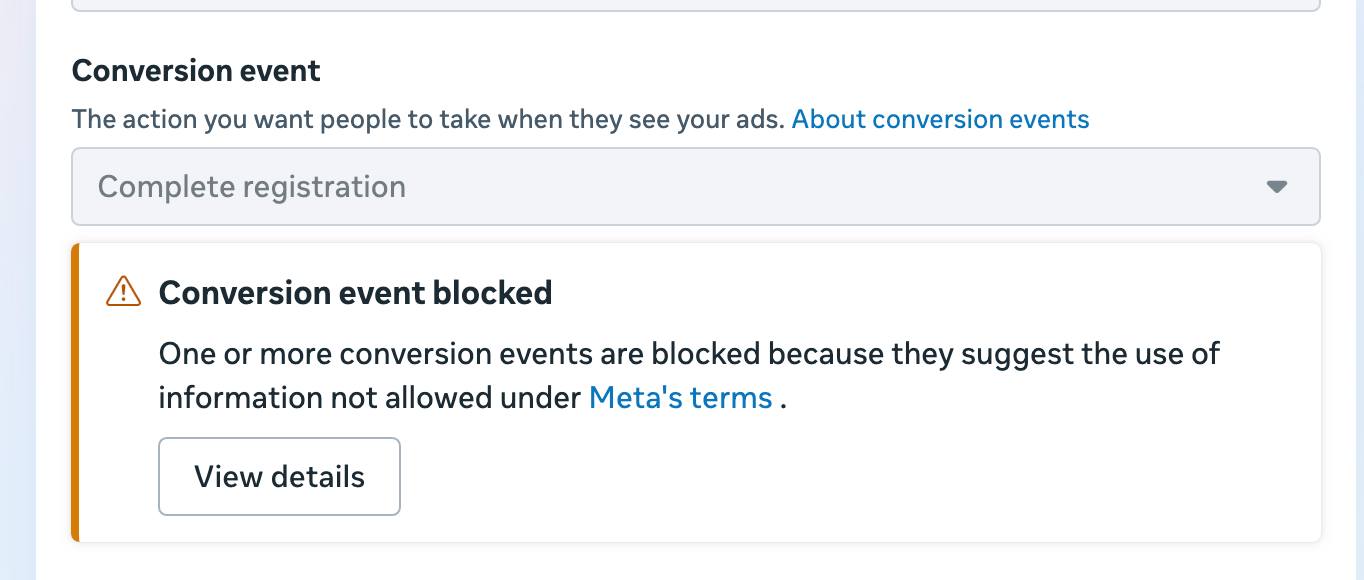
It reads:
One or more conversion events are blocked because they suggest the use of information not allowed under Meta’s terms.
It was probably good that this was reported by someone in my community first. So when I saw it, I was immediately skeptical.
If you ever see a message like this, be sure to click the “View Details” button. That will take you to your blocked events in Events Manager.
It’s not uncommon to have blocked events. The question is whether Meta blocked those events or you did. In my case, I have several events I’ve blocked for various reasons.
I have 55 blocked events in all.
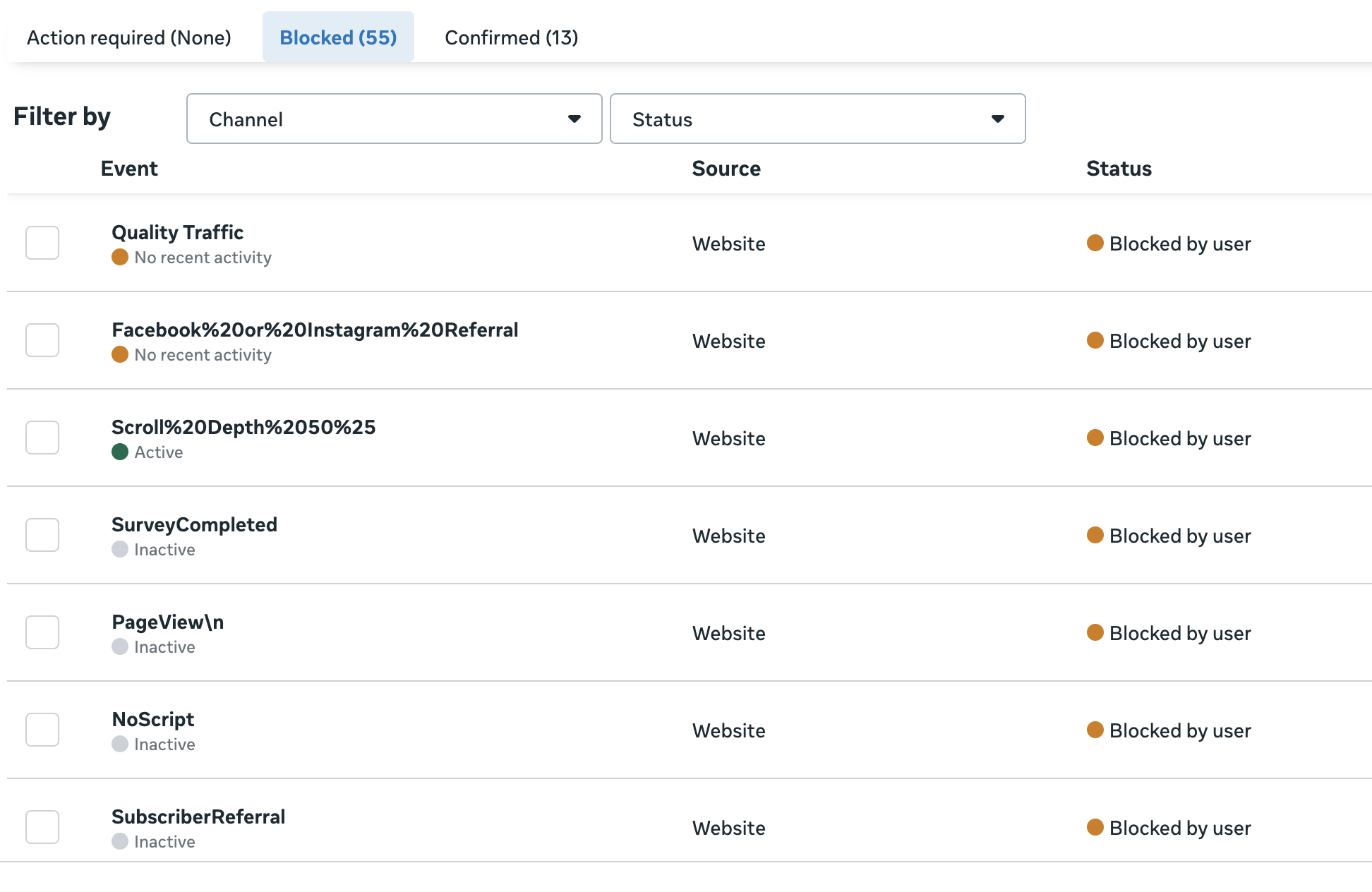
But I blocked all of those events myself. When I filter to view the events blocked by Meta, nothing appears.
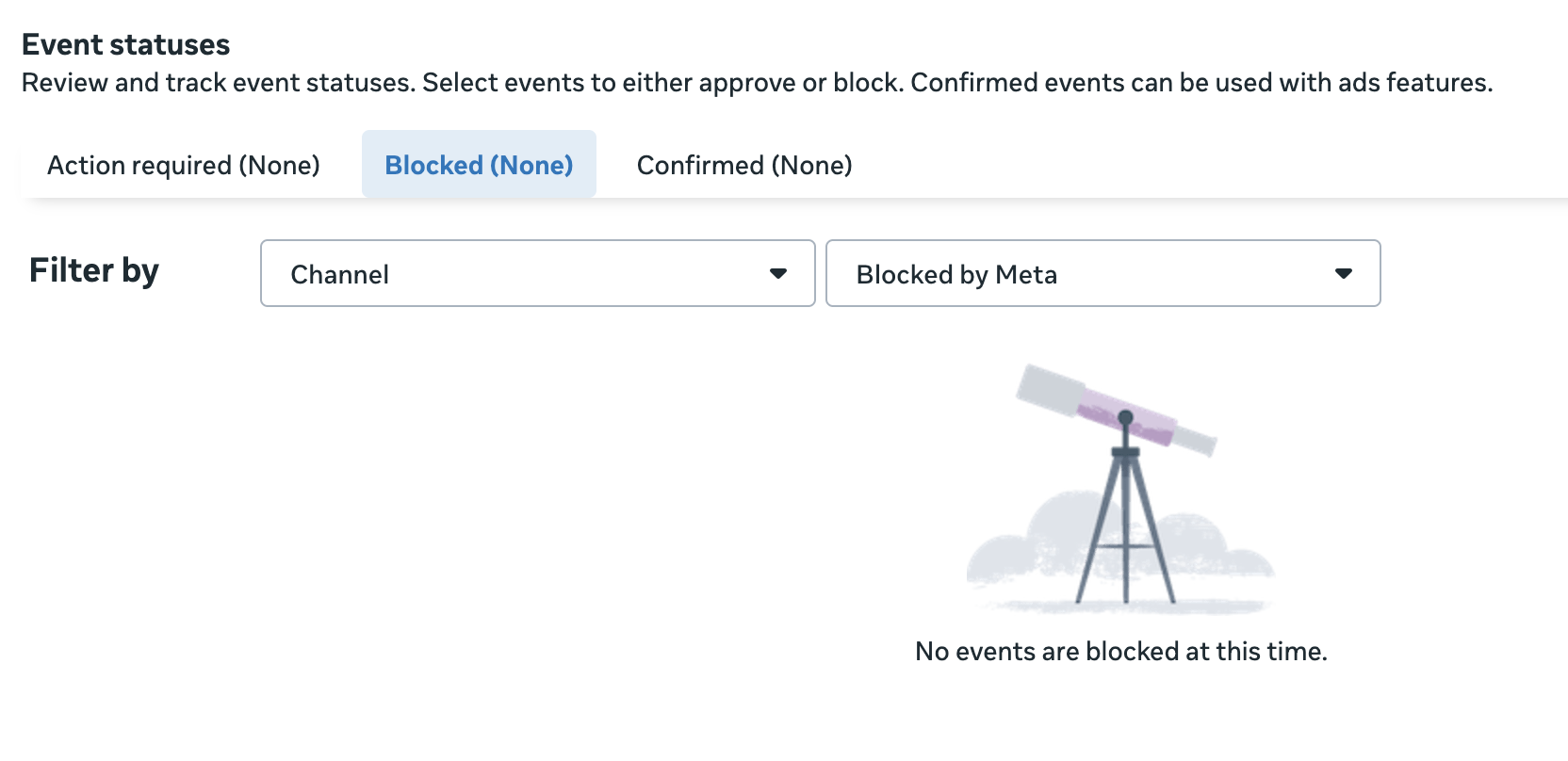
So once I saw that Meta hadn’t blocked any of my events, the odds that this was a display bug increased significantly. I headed back to Ads Manager and took a closer look at the events dropdown menu when using the “Maximize number of conversions” performance goal.
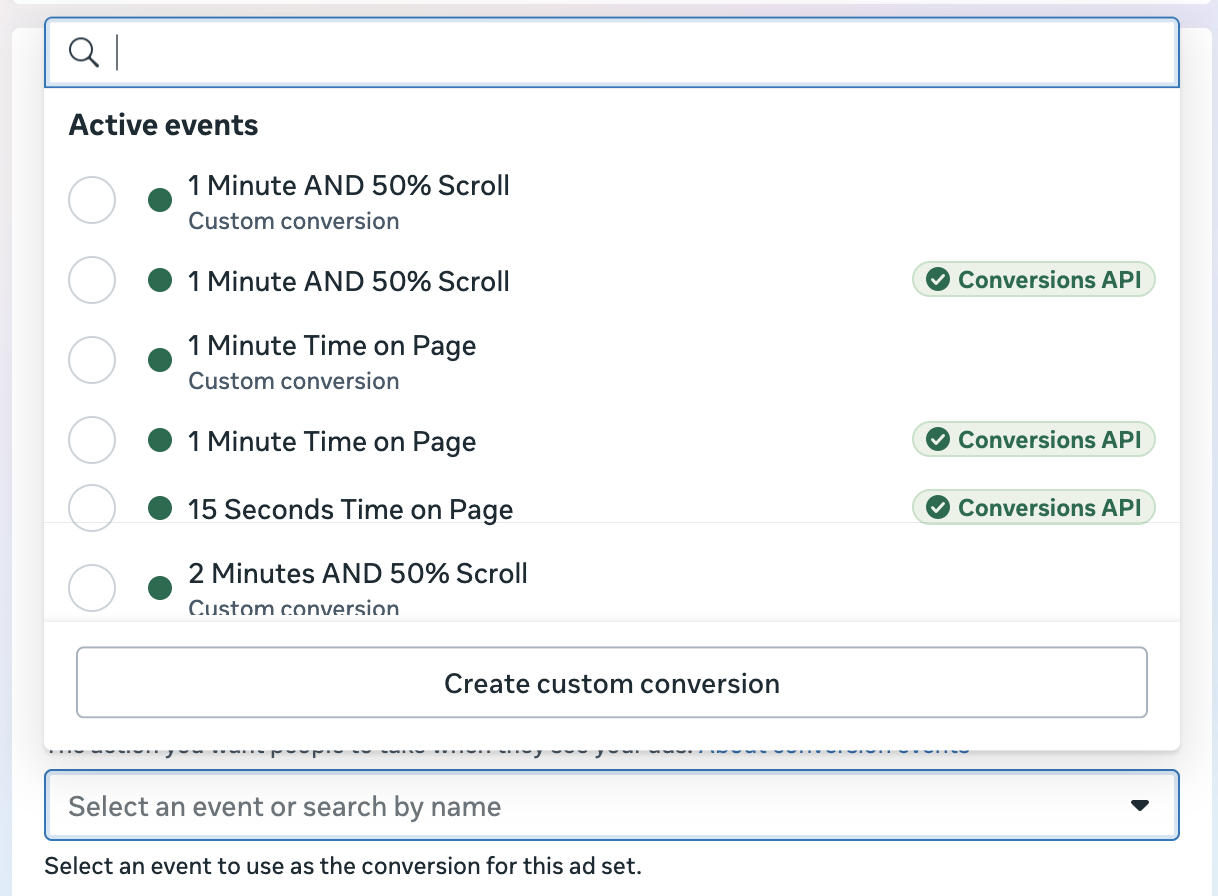
There was no indication that an event wasn’t selectable because it had been blocked. And since it seemed many others were having the same issue, it was obviously a bug. And it cleared up within the day.
My theory is that this message was appearing for all ad accounts when an event had been blocked, regardless of whether it was blocked by the advertiser or by Meta. Or maybe it appeared for everyone, I don’t know.
I realize it’s easy to freak out when you see stuff like this, but always remember the likely possibility of bugs. In most cases, it’s nothing.
4. Evolution of My Process to Stack Creative Diversity
When Andromeda became all the rage last year and Meta started recommending creative diversity, I reacted the way many advertisers did: I overreacted.
I created ad sets with 20, 30, and even 50 ads, regardless of the budget. I wanted to push this new Andromeda to the limit. And maybe, we thought, more ads would mean better results.
But most of us quickly realized a couple of things. First, more ads does not mean better results. In fact, you’ll likely cut corners in an effort to create more ads, so you’ll create worse ads. Most importantly, creating a whole bunch of ads is exhausting, especially when you don’t get the payoff.
As a result, my approach to creative diversity has steadily evolved since those early days. I started focusing more on creating ads “in the spirit of diversity.” In other words, a single ad might leverage multiple formats, Advantage+ Creative enhancements, and the maximum number of text options.
How I do things now is much more deliberate. Here’s how it goes…
1. Create two ads around a single theme.
These two ads share a visual theme and text approach. The difference is that one ad is a static image and one is a video.
Here’s an example promoting my Modern Targeting mini-course. Both have similar visual branding, but the presentation is different.
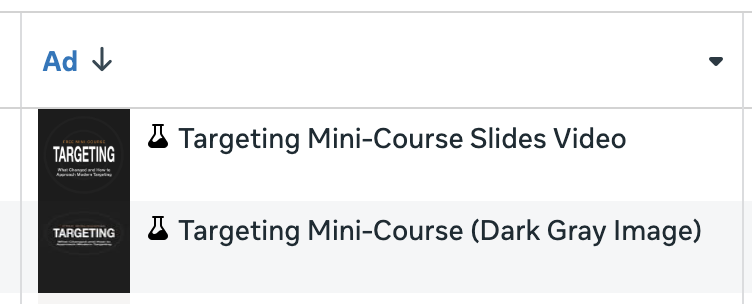
I like to start new ads with a creative test, just so I know what will happen if the ads get the same (or similar) distribution.
2. Create two ads around a completely different theme.
After the test is complete, I might let the ads run naturally for a while. Once things have stabilized, I create new ads if I feel it’s necessary. No matter how well the first two ads are doing, I’ll tend to at least create one more batch to add some variation.
So this second set of ads will look completely different from the first set. The text that the two new ads share will also be completely unique from the first.
My first two ads utilized a dark gray theme, so I went with something more colorful this time. The first video was a slide show of the lessons, where this was more of an animation of the ad creative.
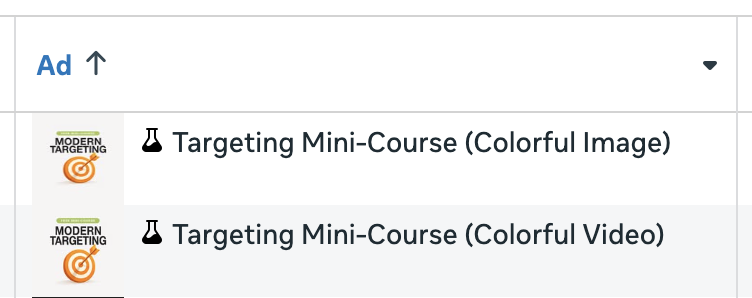
Once again, I used a creative test in the existing ad set to introduce these two ads. I know that this isn’t for everyone, but it at least guarantees (or should guarantee) impressions during the test. There’s nothing more annoying than spending a bunch of time on new ads, only to see them get zero visibility.
3. Utilize opportunities for further diversification.
For all of these ads, I embrace the options that will increase creative diversity. That means accepting things like Advantage+ Creative enhancements, AI-generated images or backgrounds, Format Display Options, and AI-generated text when possible. I don’t do so blindly, but I accept what I can.
I also customize my creative by placement to be sure there are multiple options of each creative that will appear differently depending on the placement.
4. Add more as needed.
Four ads should be enough for an initial push. One of the main things I’m trying to avoid is creative fatigue. But I also want to generate multiple variations so that Meta can show the right combination to the right group of people.
I don’t micromanage my results by ad. I evaluate the ad set in aggregate, knowing that what is being shown today may not be what Meta chooses to show tomorrow or next week. What works may also shift.
But once it seems like the ads are getting stale or results aren’t consistently solid anymore, I’ll revisit things and publish two new ads to the ad set.
How you approach this is up to you. I prefer this slower approach since I can also learn from the results early and apply these lessons to later ads. It also allows me to think through what I want to do next, rather than feeling rushed into creative directions.
5. Move to “Ad” from “Sponsored”
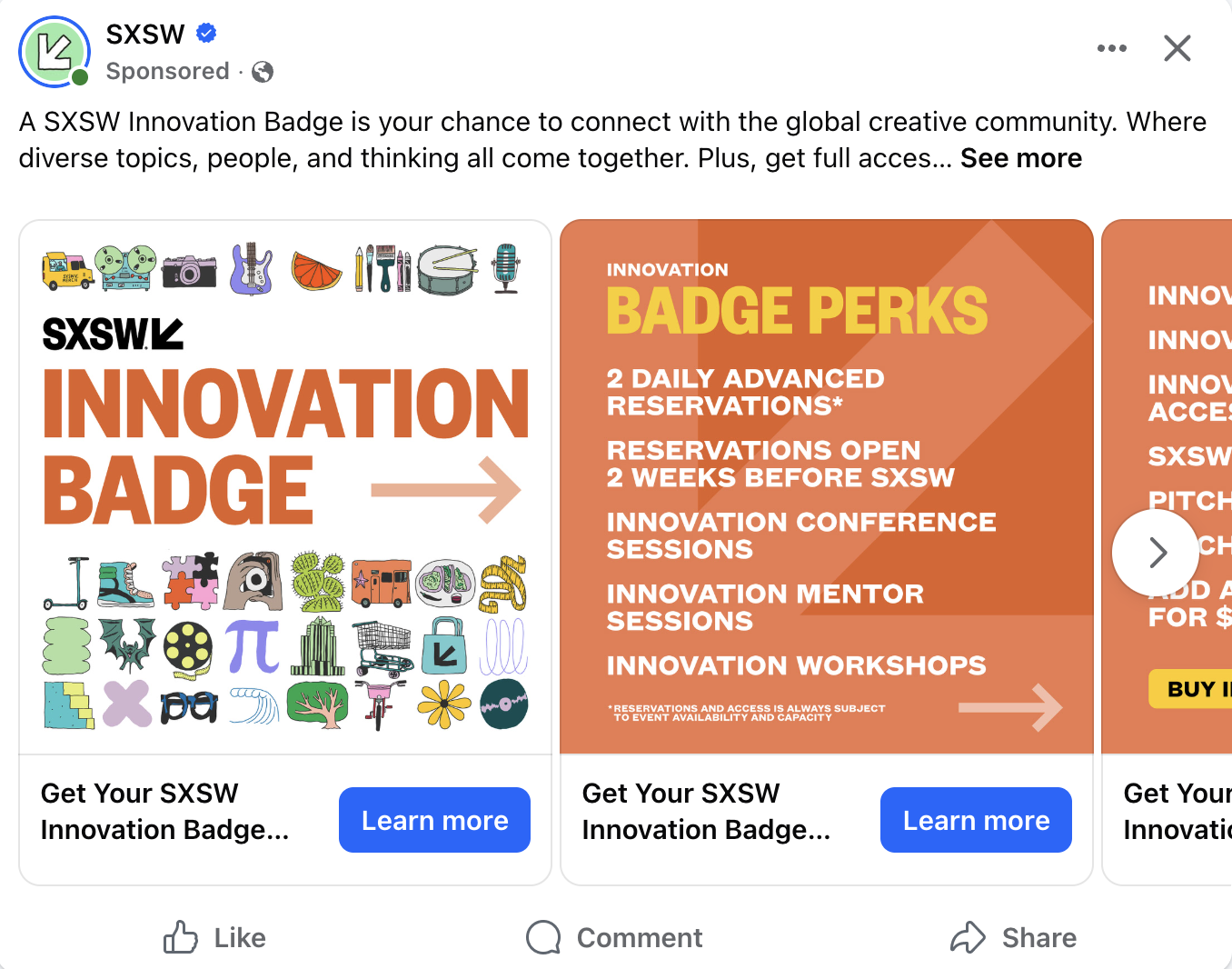
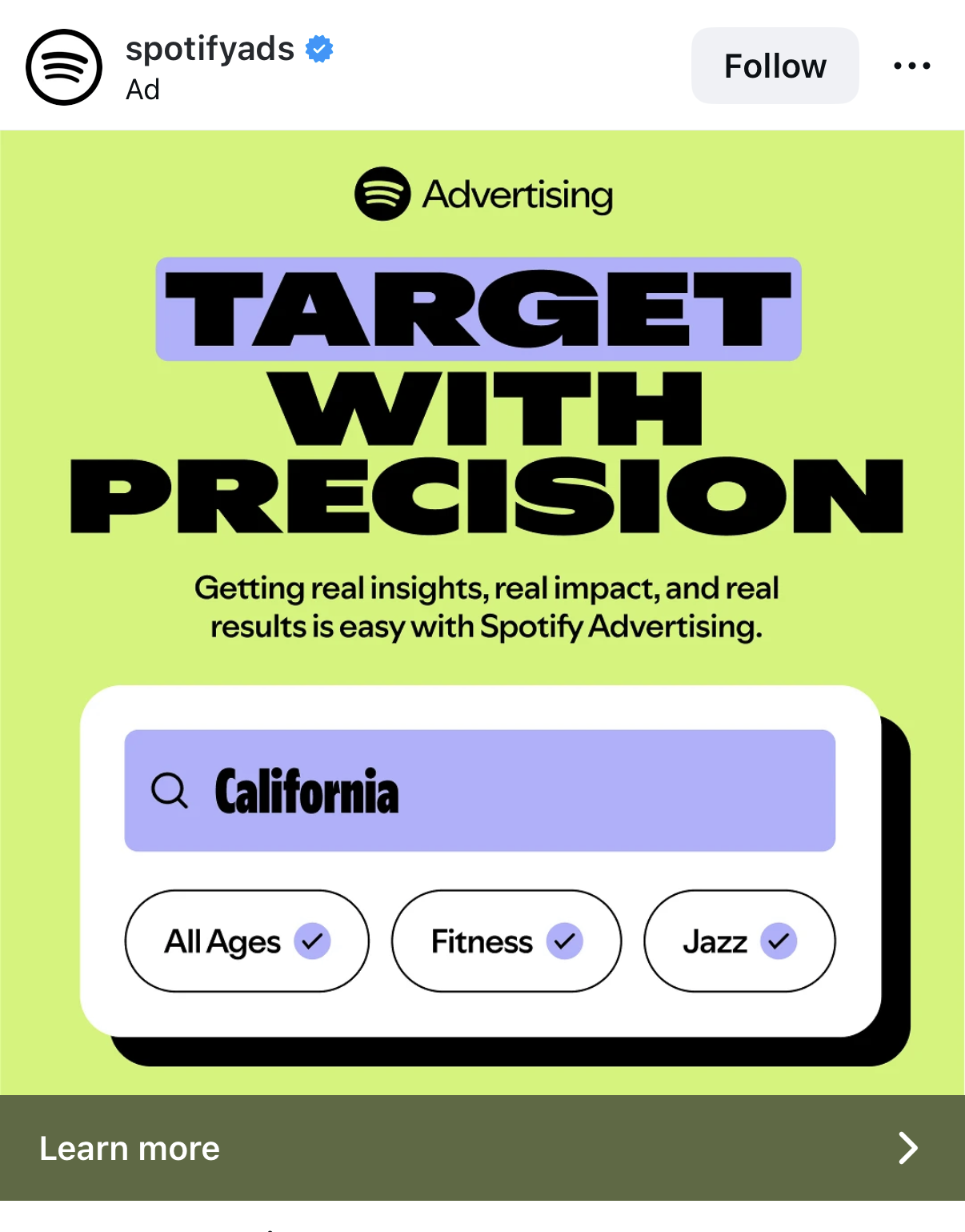
I can’t say for sure when this happened, but I believe it was during the past couple of months. Meta seems to be transitioning from the “Sponsored” label to “Ad.”
The ads I see on Facebook still read “Sponsored.”
Ads on Instagram are getting the “Ad” label.
For some reason, I’m not currently seeing any ads on Threads. But that was the first place I spotted this.
Meanwhile, Meta has transitioned to using the “Ad” label for nearly all placements in the advanced preview when creating an ad.
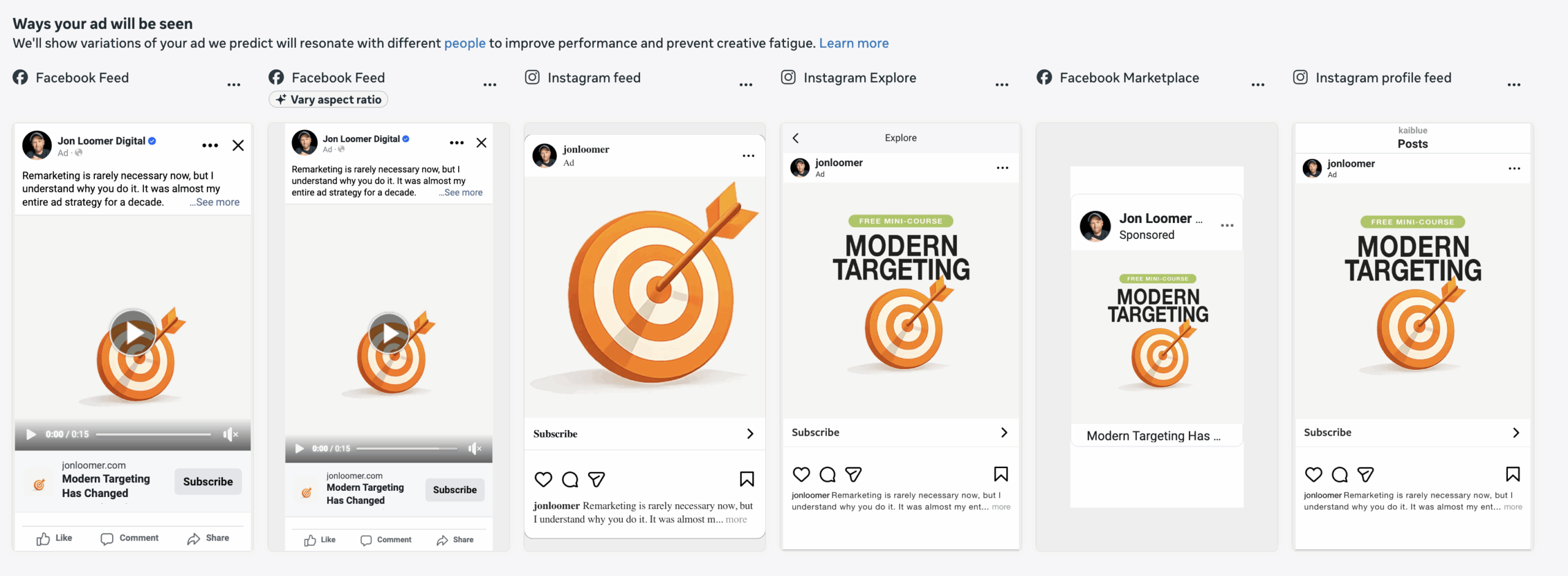
I know. Big deal, right? But my theory is that “Ad” is much tougher to spot than “Sponsored” because it’s only two letters. Maybe it will make an incremental difference.
6. Advantage+ Creative Video Generation Example
A few weeks ago, I shared that I had access to the new Advantage+ Creative video generation feature. I planned to spend a lot of time on it so that I could provide some thoughts and examples.
Unfortunately, I no longer have that feature. But I assume I saw it in the middle of a test, and I’ll likely see it again. While I had hoped to share some polished examples, the only example I have isn’t all that great. But it at least gives you an idea of what it can do.
Meta generates video concepts that are built around your ad copy and creative. If there isn’t much creative to go off of, Meta will add in scenes that use what looks like AI-generated stock imagery. Once you approve it, Meta will turn those scenes into a moving video.
In my case, my ad lacked interesting visuals. But you can also add images that Meta can use to generate concepts and videos based on your product or business. So I added several portrait photos of myself, and this is what Meta generated…
It’s not amazing. I wish I could have had more time with it to show you something better. But no matter what you think of this, we’ve come pretty darn far in a year or two. This stuff is only going to get better.
More to Come
I’ll be sharing observations like this every Wednesday, as long as Meta keeps giving me things to write about.
The post Meta No Longer Prioritizes Suggestions (Plus Manus AI and 4 Updates) appeared first on Jon Loomer Digital.