

Ad Sequencing is a feature that was previously only available using the Reservation buying type, but many advertisers now have the option to use it with Auction campaigns. It’s not clear if this is a test or a full rollout.
Having the ability to sequence ads is certainly interesting, even if it feels about a decade too late. This is something that I would have loved to use while setting up evergreen campaigns years ago.
Still, there are times when having the ability to order your ads so that people see a structured message could make sense. While I’m not an advocate for remarketing these days (I have taken a complete 180 on this compared to when I used to create evergreen campaigns), there are some exceptions. And you could technically use this more from an awareness perspective, which is what it was intended for originally.
I should warn you that I’m currently experiencing significant bugginess while getting this set up. You can read more about that near the bottom. Before going through the entire process of creating a campaign with multiple ads, I’d first do this:
1. Confirm you have the feature
2. Create a very limited test that starts a day or two in the future
The test doesn’t need to run, but I’d confirm that you can publish such a campaign before you go through the work of creating sequenced messaging. I assume this will all clear up shortly.
Bugginess aside, here’s everything you need to know about ad sequencing…
Required Settings
In order to take advantage of ad sequencing, you’ll need to follow some specific requirements.
First, use either the Awareness or Engagement campaign objectives.
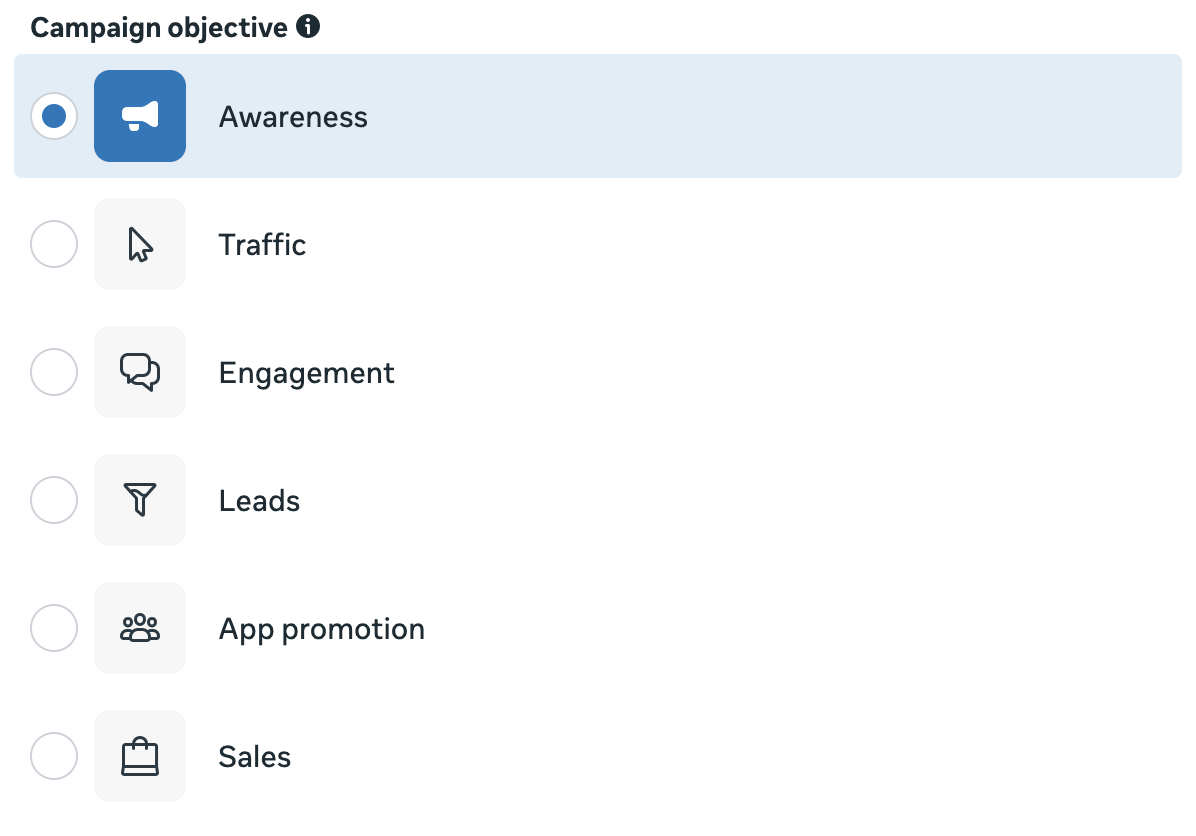
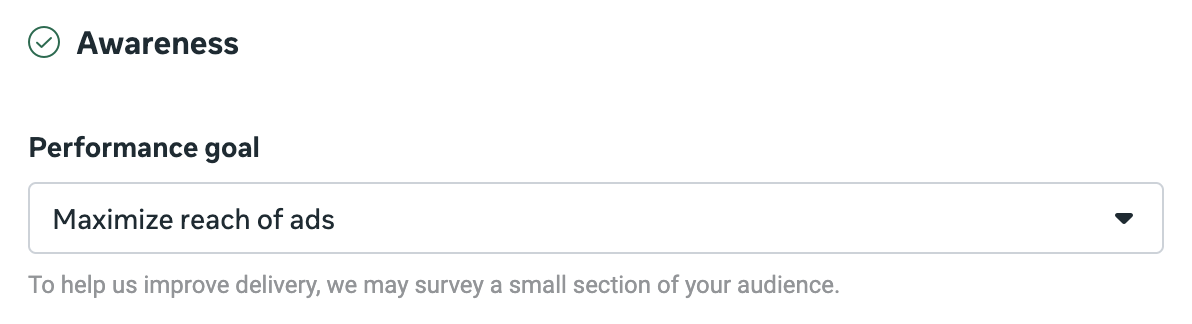
If using Awareness, use the performance goal to maximize reach of ads.
If using Engagement, use the On Your Ad conversion location with the performance goal to maximize ThruPlay views.

In this case, make sure to check the box to set a frequency control.
The most important requirement for ad sequencing is that you must use the Target frequency control. As a result, you can use this feature whenever that option is available.
The default frequency control is “Cap,” so you’ll first need to change it to “Target.”
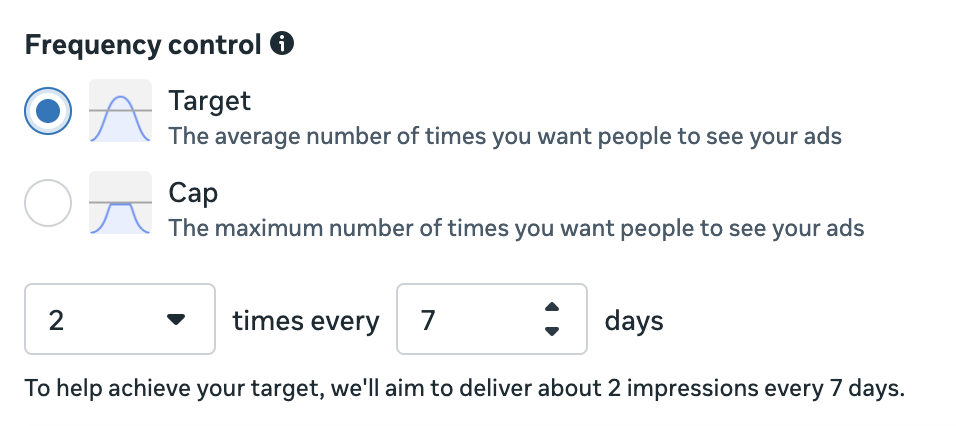
This is less a requirement than a fixed setting, but Target frequency control only allows you to set a lifetime budget. If you don’t normally use lifetime budgets, keep this in mind. The ad set will also need to run for at least seven days.
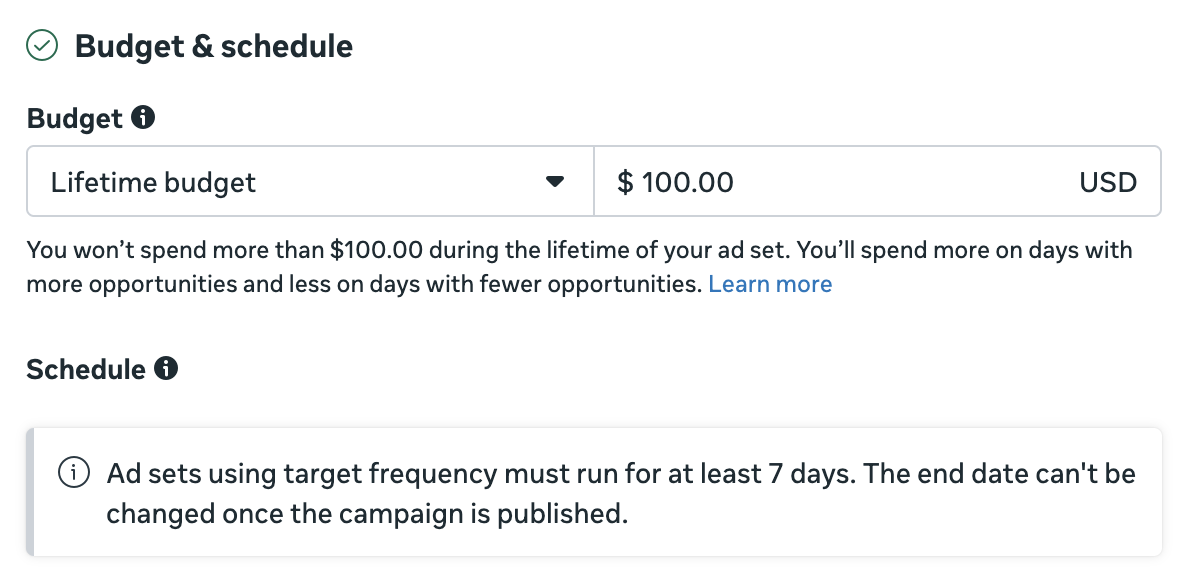
How you approach budgeting will be drastically different depending on whether you’re using ad sequencing for micro-remarketing or awareness. Calculate this with your audience size in mind.
Other Setting Considerations
There are a couple of other things that are either unique or you may want to look at differently for such a campaign.
First, let’s talk about targeting. You can make the argument for ad sequencing to be a tool for both big brand awareness and small budget micro-remarketing. While I’m generally opposed to remarketing these days, there is an argument for micro-remarketing. It’s actually the one exception where I’ll occasionally use remarketing.
And that’s how I’m experimenting with this feature. I am targeting a specific group of people who fall into an email sequence for my Power Hitters Club – Elite membership product. This is based on CRM tags and a 14-day timer, so the audience will be updated dynamically. I will exclude everyone who is already a member.
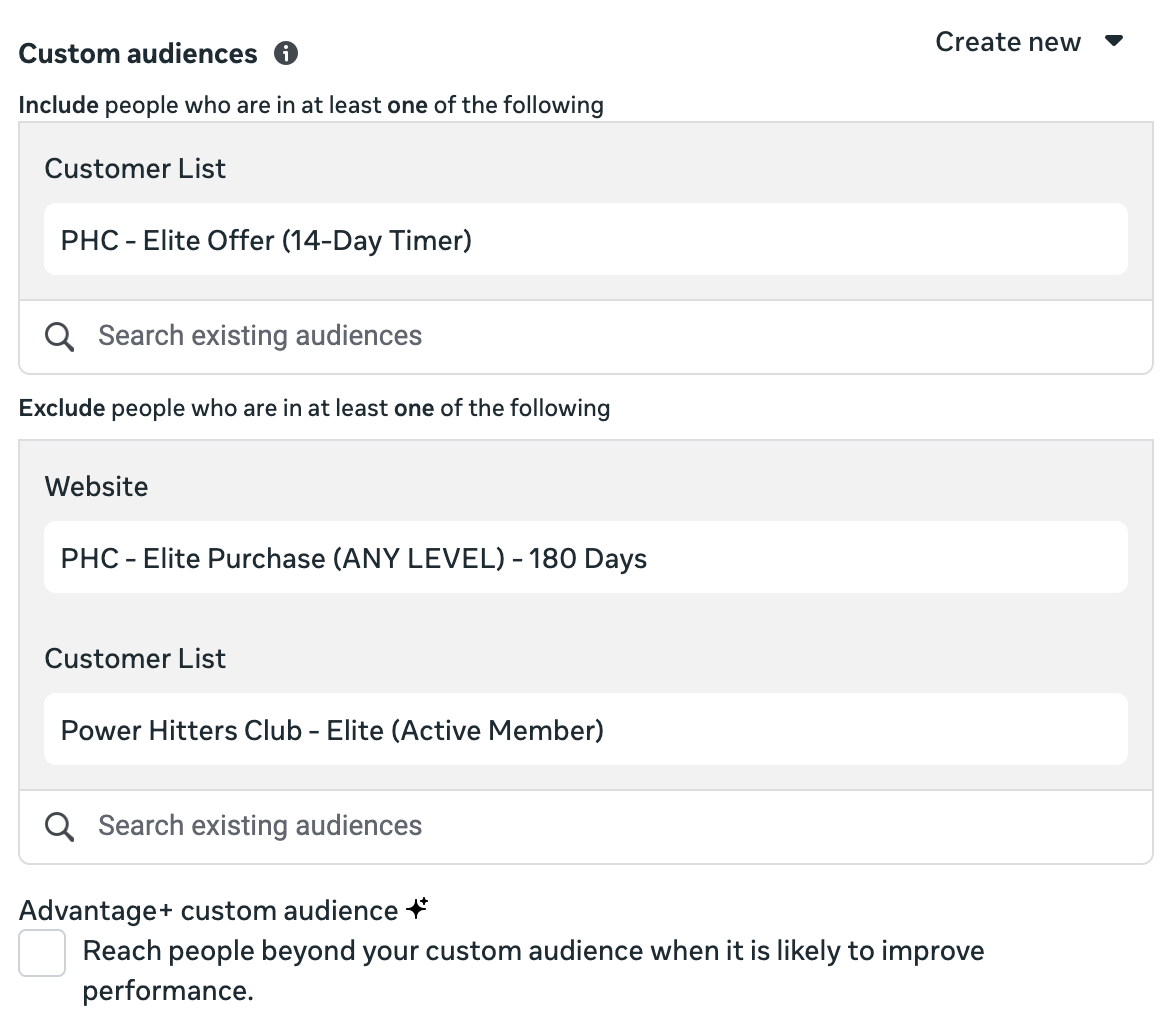
Of course, if you want to restrict your targeting to a custom audience or group of custom audiences, you’ll need to uncheck Advantage+ Custom Audience.
Next, the default Target frequency is 2 impressions in 7 days. Just keep this in mind if you’re micro-remarketing. This can stretch out small audiences, making it difficult to spend. I’ve switched mine to 1 impression in 3 days, but it’s something to experiment with.

Finally, there’s the matter of placements. Once again, my recommendations for how you approach this will be completely different from what I’d typically recommend.
Normally, I’d tell you to use Advantage+ Placements, particularly when optimizing for a conversion. But Reach optimization is different due to the Target Frequency. Once you reach someone, Meta may not show your ad to them again for a few days (depending on your Target frequency settings). So you don’t want that impression wasted.
I’ve restricted my placements significantly to the following:
- Facebook Feed
- Instagram Feed
- Threads Feed
- Instagram Stories
- Facebook Stories
- Instagram Reels
- Facebook Reels
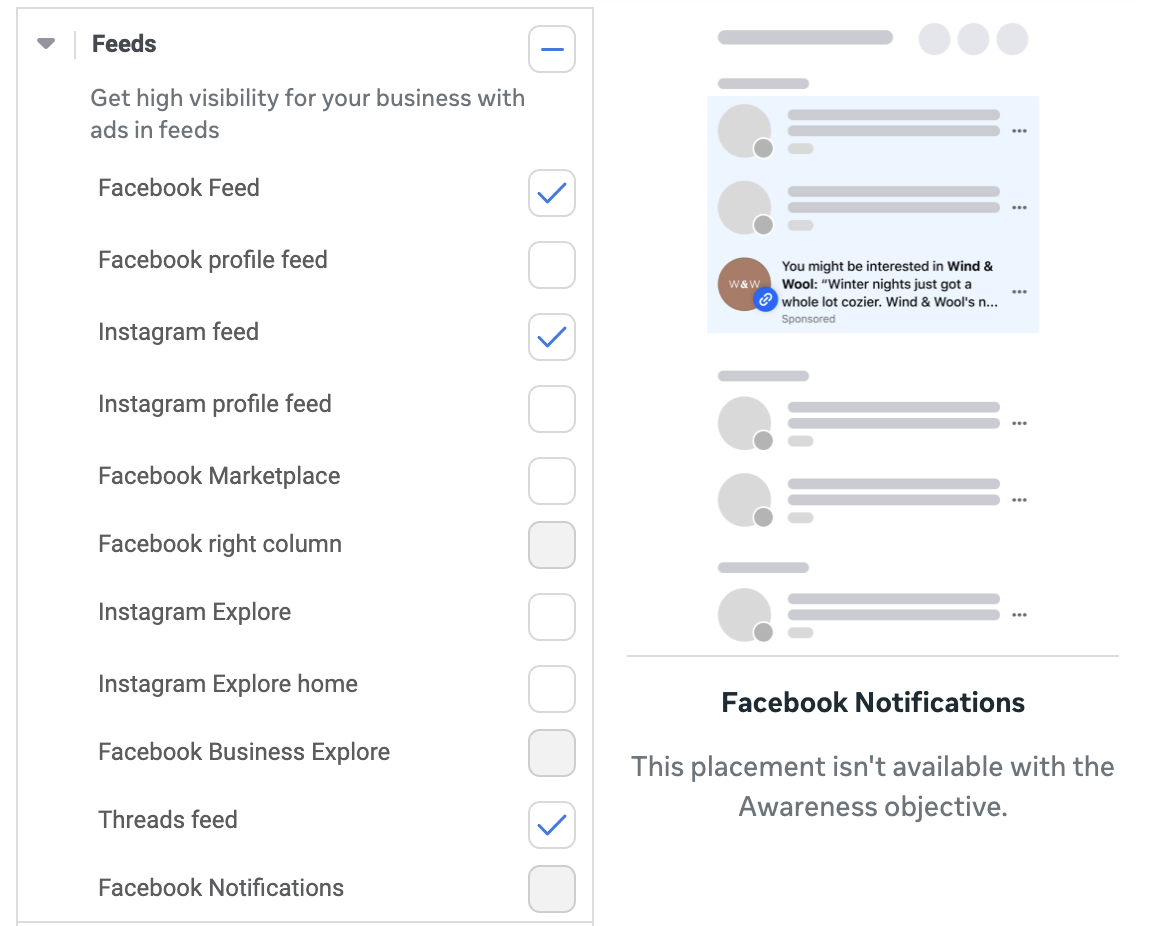
I need to reiterate that this is way out of character from what I’d typically suggest. Feel free to experiment with it, but it makes logical sense to me.
Create and Publish Your Ads
If you have ad sequencing, this option will appear in your ad set after choosing Target frequency.
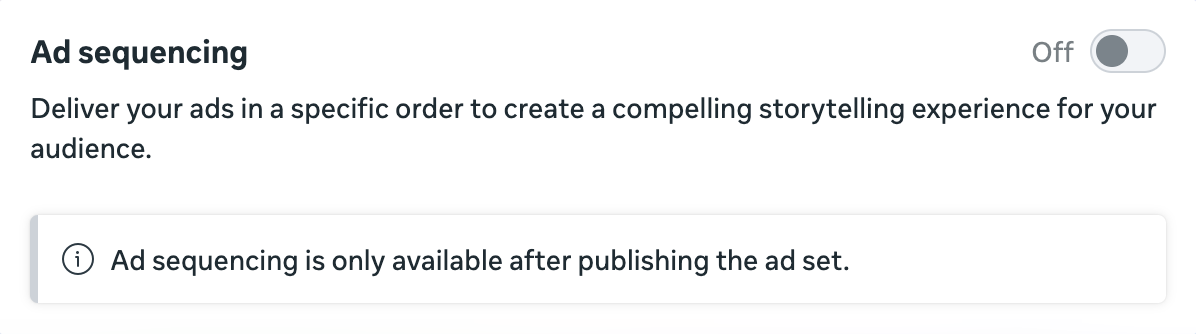
One odd quirk of ad sequencing is that you can’t turn it on until you’ve published the ad set with at least two ads.
I won’t take you through all of that because what you do with your ads will be up to you. There aren’t any specific requirements, other than you publish at least two.
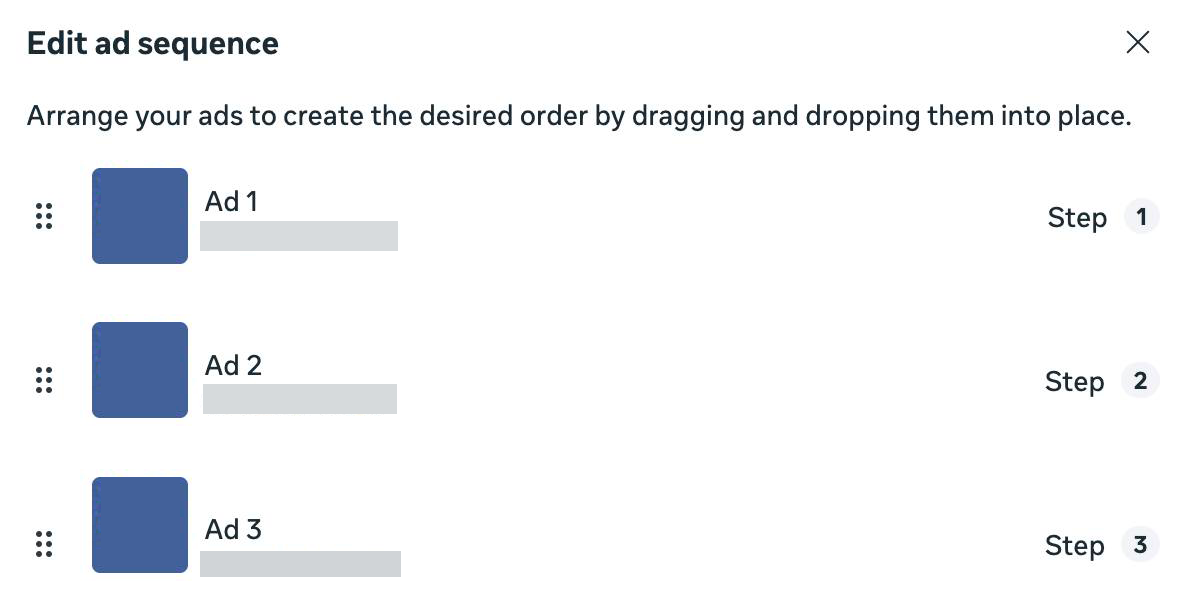
The main thing I’d suggest is to create ads with this feature in mind. People will see one ad at a time, followed by the next one when they get another impression.
Edit Ad Sequencing
Once you’ve published the campaign, including at least two ads, go back to where Ad Sequencing was in the ad set.
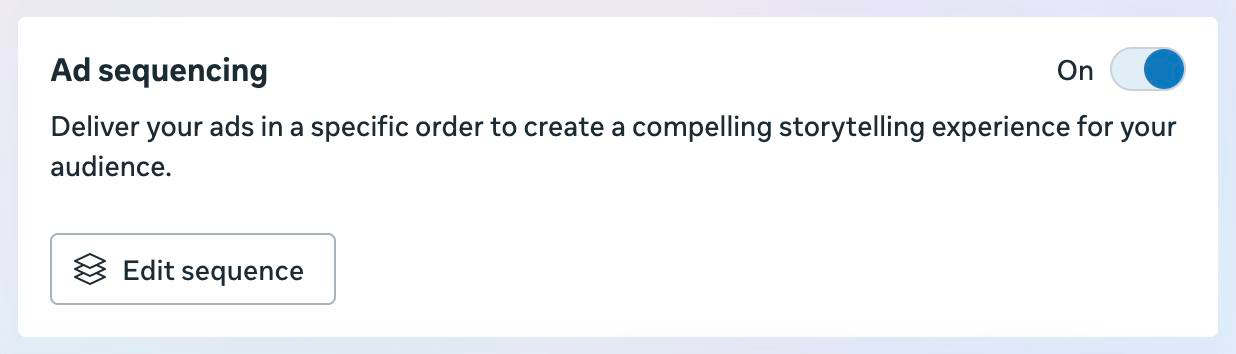
Once you click Edit Sequence, you’ll be able to drag and drop your published ads into your desired order.
Finally, you can define your Repeat Logic.
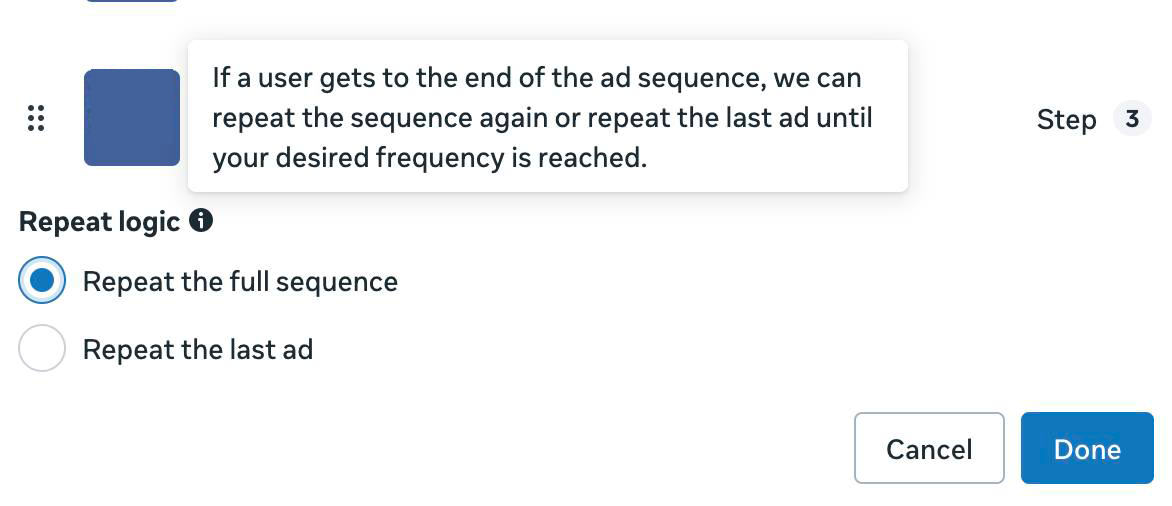
In other words, what should Meta do once someone has completed their sequence of ads? You have two options:
- Repeat the full sequence
- Repeat the last ad
That’s it!
Ad Sequencing is Buggy
One final note: As I write this, ad sequencing is incredibly buggy. The problem isn’t the ad sequencing itself, but publishing a campaign that utilizes target frequency so that you can set up ad sequencing in the first place. I don’t know what the deal is, but I’ve repeatedly run into issues with this.
I assume this is a temporary glitch that will clear up, but it’s certainly something to be aware of. You can otherwise go through quite a bit of work before running into the errors since you need to first publish the campaign, including the ad sets.
Are You Using Ad Sequencing?
Are you using ad sequencing? I’d love to hear how you’ve implemented this and what results you’re seeing.
Let me know in the comments below!
The post Meta Ad Sequencing: Setup, Requirements, and Caveats appeared first on Jon Loomer Digital.