


Meta is eliminating the ability to remove placements from ad sets. Advertisers are seeing the following message within the Placements section…
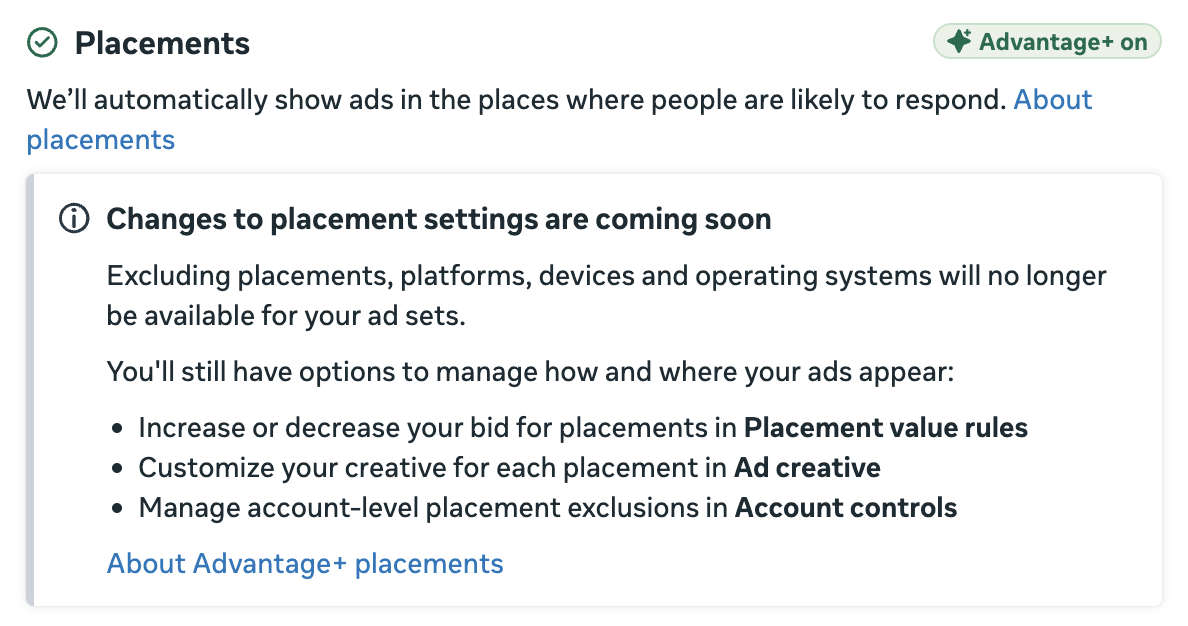
If you read closely, you’ll see that this impacts more than the removal of individual placements.
Excluding placements, platforms, devices and operating systems will no longer be available for your ad sets.
It’s not clear when this change will go into effect. But let’s take a closer look at the following:
- What’s changing
- What you can do instead
- What you should do
- Why you should have seen it coming
What’s Changing
So let’s be clear about the things you’ll no longer be able to do.
1. You won’t be able to remove individual placements.

This is the one that will get the most attention because it’s what advertisers use the most — and have done for years.
2. You won’t be able to remove platforms (and all of the placements within them).

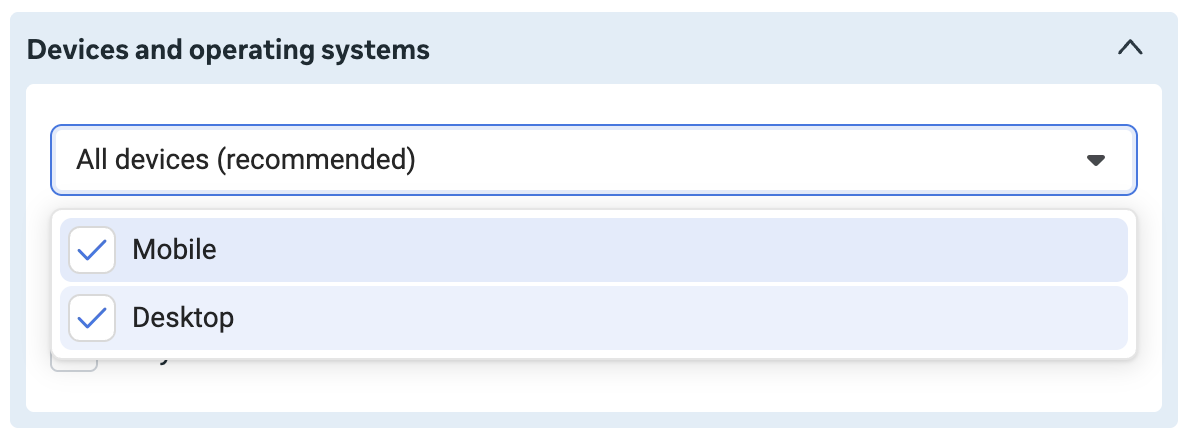
3. You won’t be able to limit showing your ads on only mobile or only desktop.
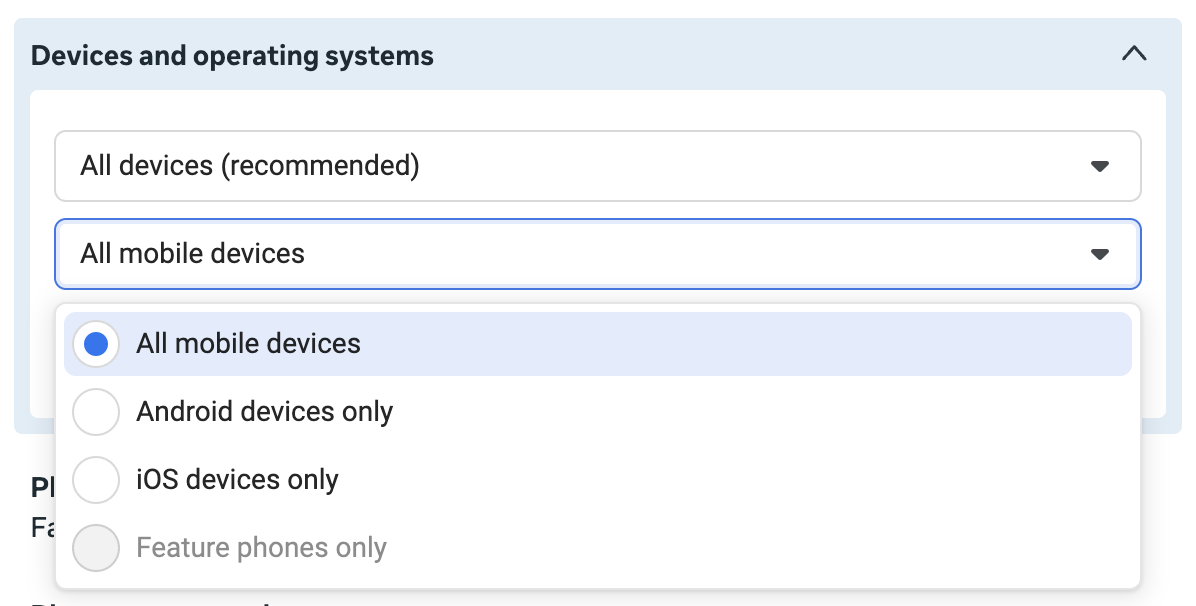
4. You won’t be able to limit showing your ads to only certain operating systems.
What You Can Do Instead
Assuming you have a good reason to limit delivery by any of these elements, you will still have options.
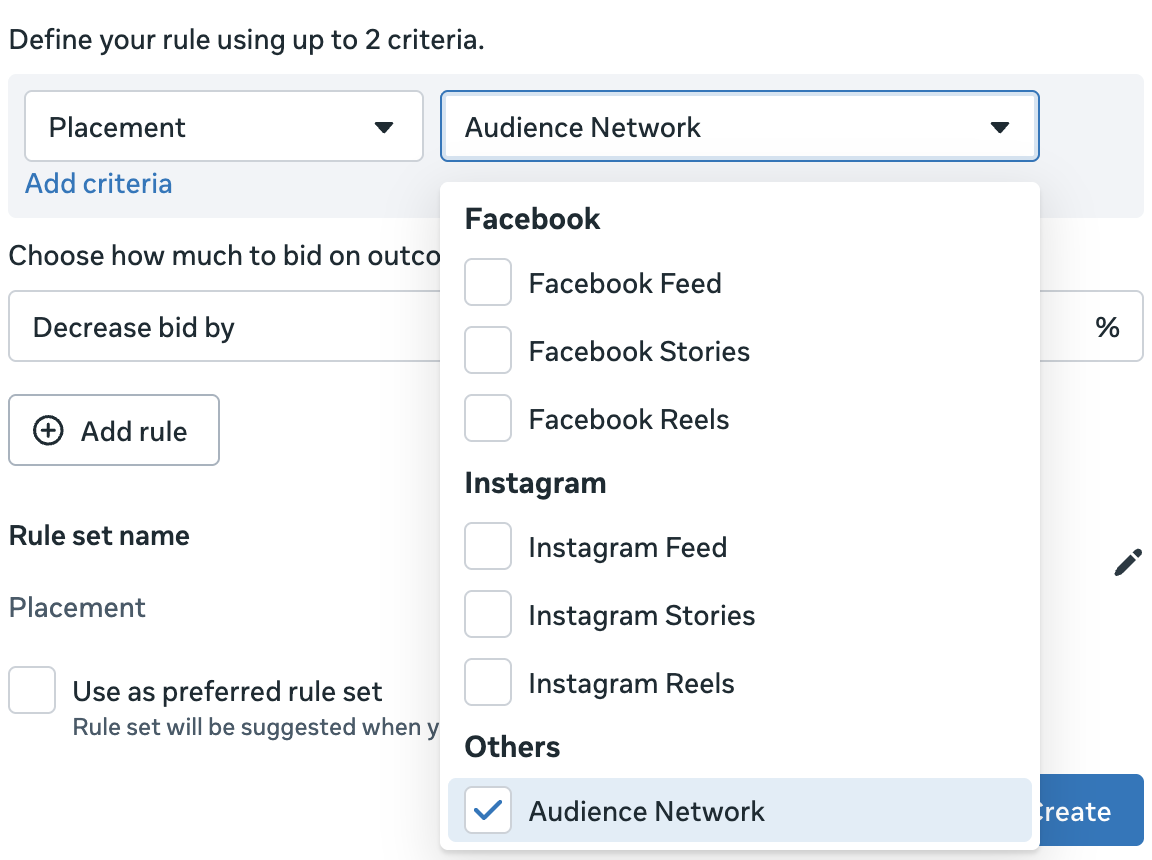
1. Set a value rule to bid more or less by placement, platform, device, or operating system.
You can adjust bids for seven placements, including Audience Network, which is the most common target.
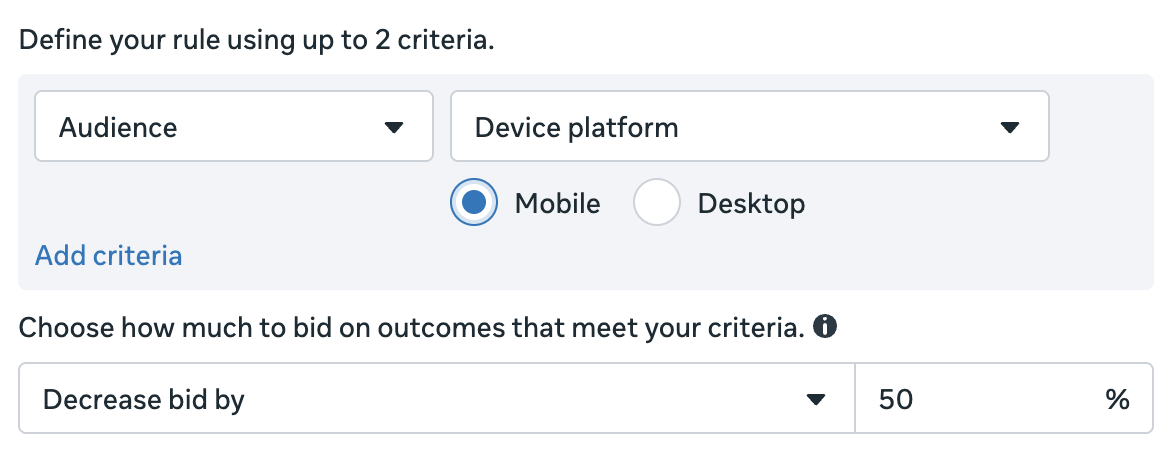
You can adjust bids depending on whether someone is on a mobile device or desktop.
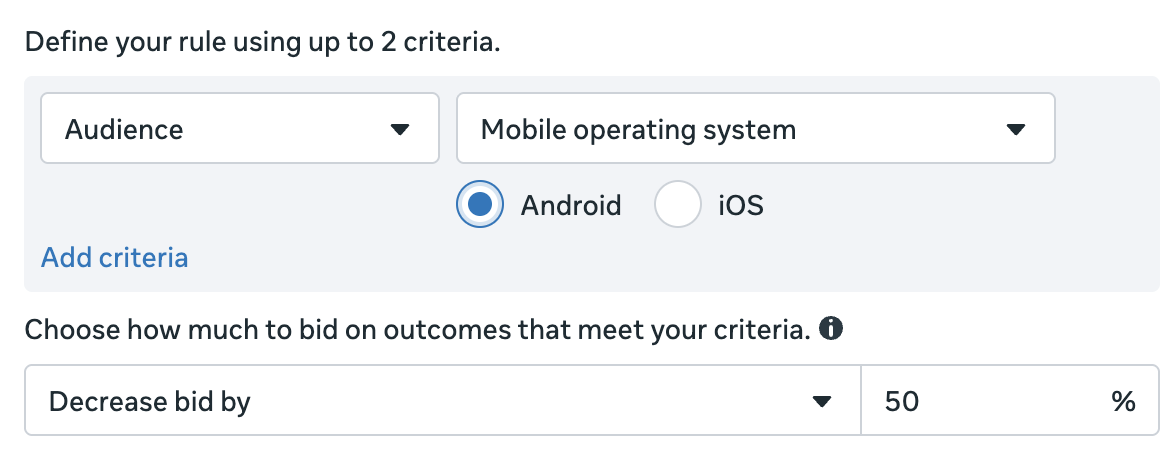
You can adjust bids by mobile operating system.
While there isn’t a value rule for platform, you could raise or lower bids for Facebook or Instagram-specific placements.
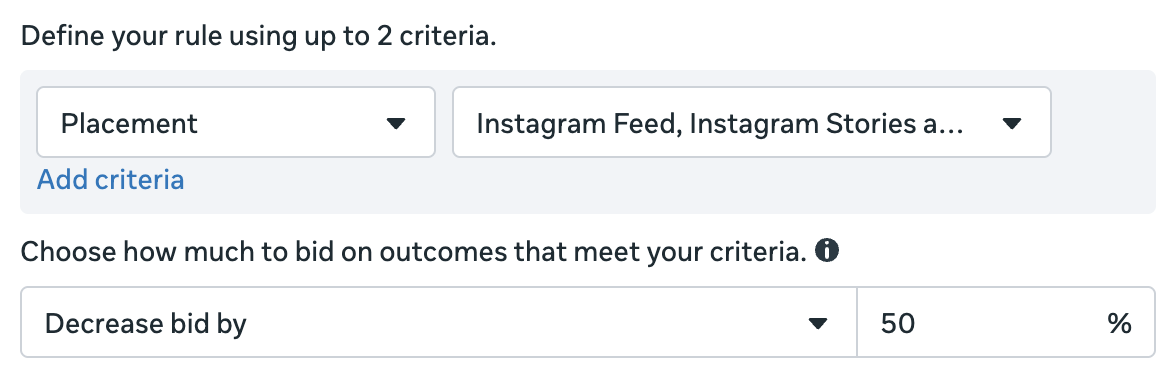
The issue with placement and platform-based value rules right now is that there are only seven eligible placements available for bid adjustments.
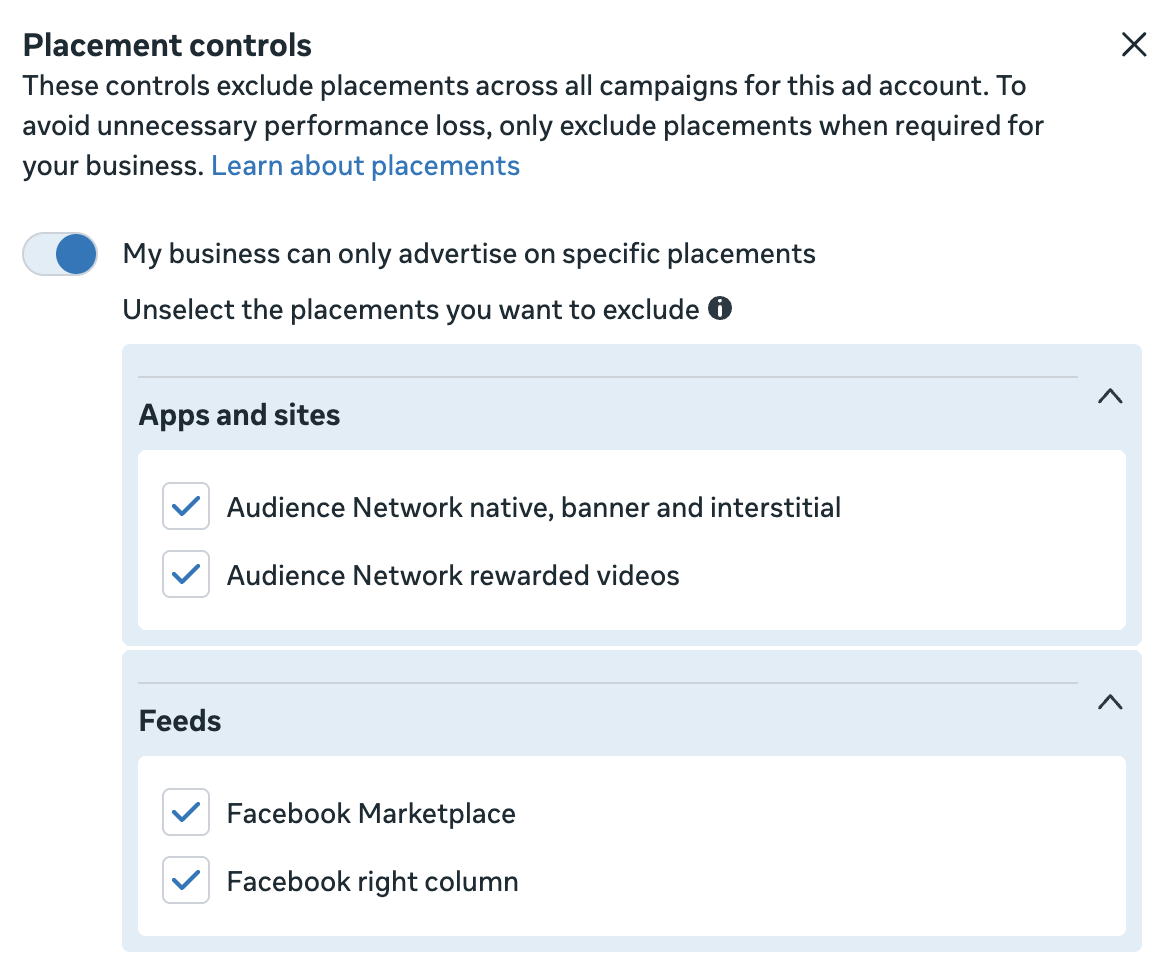
2. Remove placements account-wide.
Within Advertising Settings, click Account Controls.

Select Placement Controls.
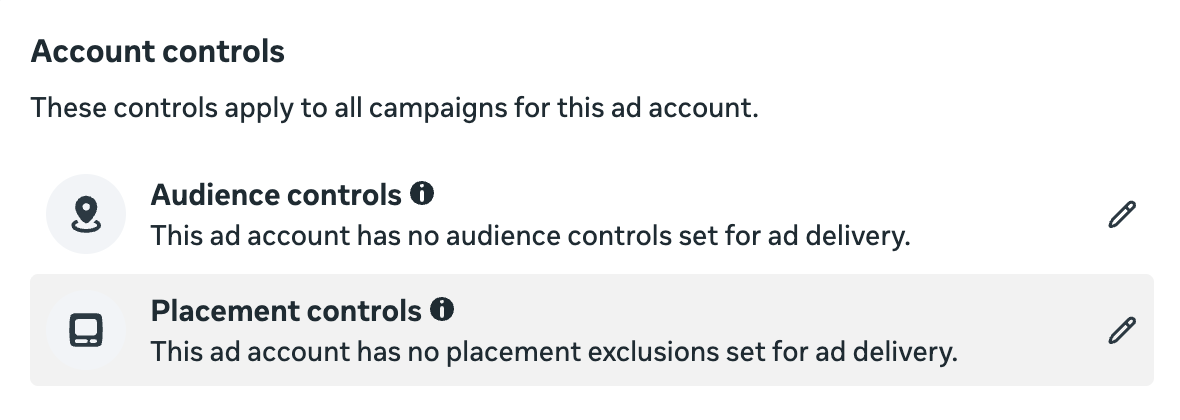
Turn on the option that indicates your business can only advertise on specific placements. Then uncheck the placements you want to remove account-wide.
What Should You Do?
How you approach this really doesn’t change. If you have a specific placement-related problem that needs to be solved, you can still solve it. But instead of removing a placement, you’ll use a value rule instead.
The problem is that the vast majority of advertisers who are removing placements now are doing it when it isn’t necessary. There are times when it’s necessary, but those times are almost always when Meta can get cheap (and often low-quality) optimized actions from a placement. The most common examples are related to Audience Network.
If you use a performance goal to maximize the number of link clicks or landing page views, you should watch out for Audience Network. Meta will find you plenty of cheap, low-quality clicks that way.
If you use a performance goal to maximize the number of ThruPlay views, your concern should be Audience Network Rewarded Video. Third-party apps are monetized with this placement, which incentivizes users to watch videos in exchange for virtual currency.
But in either case, I question whether you should be using those performance goals in the first place. Even if you remove these placements or set a value rule that essentially removes them, it doesn’t necessarily solve your problem. You’re still bound to get cheap, low-quality optimized actions from other placements.
You should rarely need to use value rules to adjust bids by placement when using a performance goal that maximizes the number or value of conversions. Placements shouldn’t be a source for cheap, low-quality conversions. While it’s possible for leads, I haven’t seen it. And it wouldn’t make sense for purchases.
So once these options go away, your main lever will be value rules. But use your discretion based on the performance goal, and do not apply value rules universally.
This Isn’t a Surprise
If you’ve been paying attention during the past few years, this shouldn’t be a surprise. Eliminating placement control from the ad set has always been in the plans. All you needed to do was follow the changes.
Initially, Meta showed a preference for using all placements by branding Advantage+ Placements. Warnings were added when you removed a placement. And it seemed that Meta was constantly making design changes that further buried and deemphasized these options.
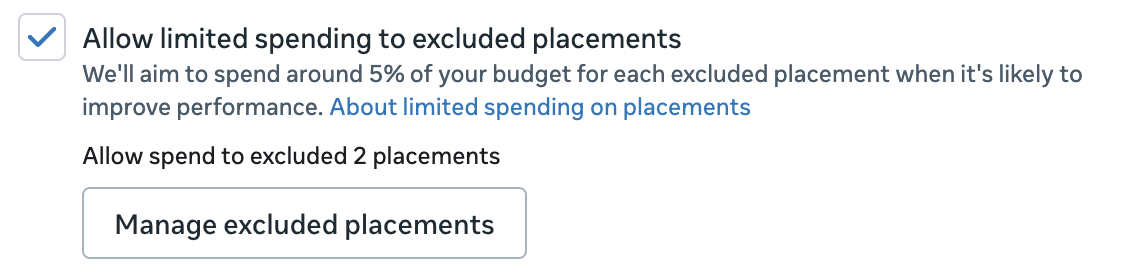
And then, during the past year, Meta added the option to automatically assign up to 5% of your budget to excluded placements. Meta really didn’t want you removing placements.
But there was no clearer sign regarding the future of removing placements than the launch of value rules. I’ve discussed separately how I believe value rules are the future of control, both for placements and targeting.
So if you already approached placement removal conservatively and used value rules to solve the problems that arose, this isn’t a big deal for you. Nothing really changes.
For everyone else? This will be an adjustment. But it will likely be a productive one.
Your Turn
What do you think about the removal of placement controls in the ad set?
Let me know in the comments below!
The post Meta Is Removing Placement Controls From Ad Sets appeared first on Jon Loomer Digital.